Self-destructing messages: how they work and how to send one
A self-destructing message is deleted after it’s read. You can send one in any app, without the other person installing anything. Here is how it works, what it protects and what it doesn’t.
What a self-destructing message is
Instead of sending the text itself, you send a link to it. The text is stored, encrypted, behind that link. The first time someone opens it, they read the message and it is deleted for good. If nobody opens it, it expires on its own.
It’s the right tool for anything you don’t want sitting in a chat or inbox: passwords and PINs, Wi-Fi and door codes, bank details, a private message you want to say once.
How it works under the hood
- Your browser encrypts the message with a random key (AES-256-GCM) before anything is uploaded.
- Only the scrambled data goes to the server. The key goes into the link, after the
#. Browsers never send that part of a link to a server. - The reader’s browser decrypts it using the key in their link.
- The server deletes the data at the moment it hands it over, so a second visit finds nothing.
Because the key never reaches the server, the service can’t read your message, even if it wanted to or was asked to.
One-time links vs disappearing messages in chat apps
| One-time link (GoneNote) | Disappearing messages (WhatsApp, Signal, Telegram) | |
|---|---|---|
| Works across apps | Yes, any app, SMS or email | Only inside that app |
| Deleted when | Right after the first read | After a timer, read or not |
| Content in chat history | Never, only a link | Yes, until the timer runs out |
| Notifications and previews | Show only a link | Can show the text on a lock screen |
| Extra password | Optional | No |
| Know if it was read | Yes, private tracking link | Read receipts, if enabled |
Disappearing messages are great for keeping whole conversations short-lived. For a single secret, a one-time link is safer: the secret never enters the chat at all.
How to send one with GoneNote
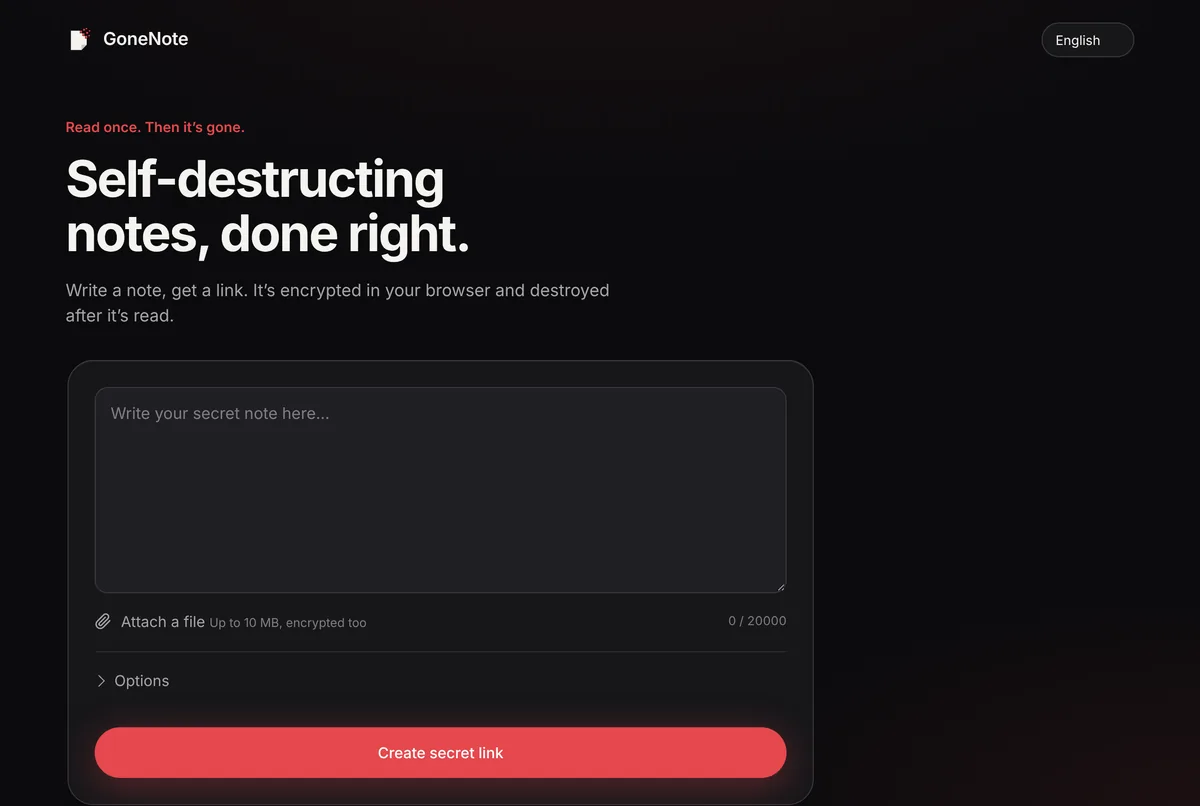
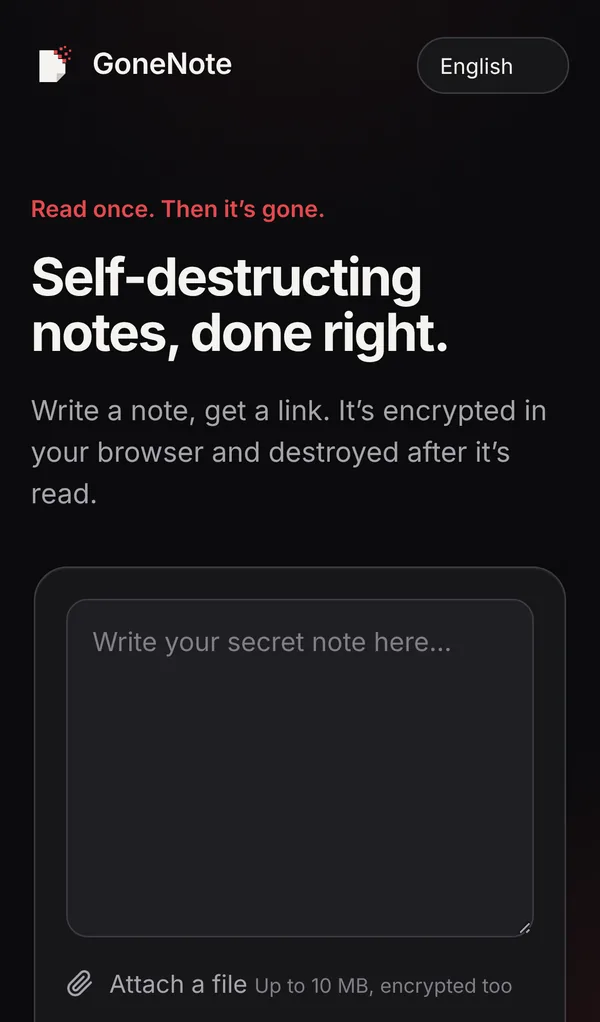
1. Write the message
Open gonenote.com and type your message. Attach a file if you need to (up to 10 MB, encrypted the same way).
2. Decide how it self-destructs
By default the note is destroyed after one read and expires after 1 hour if nobody opens it. In Options you can allow up to 10 views or unlimited views until it expires, choose 1 hour, 24 hours, 7 days or 30 days, and add a password.
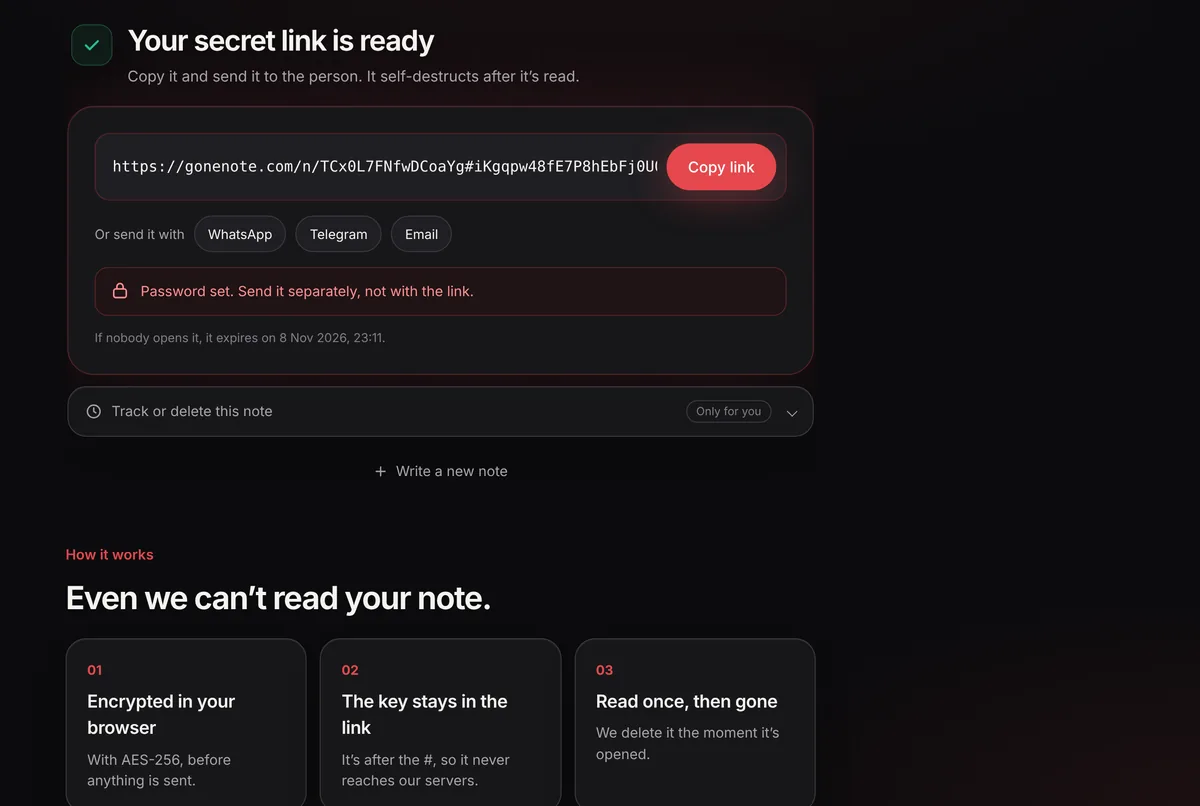
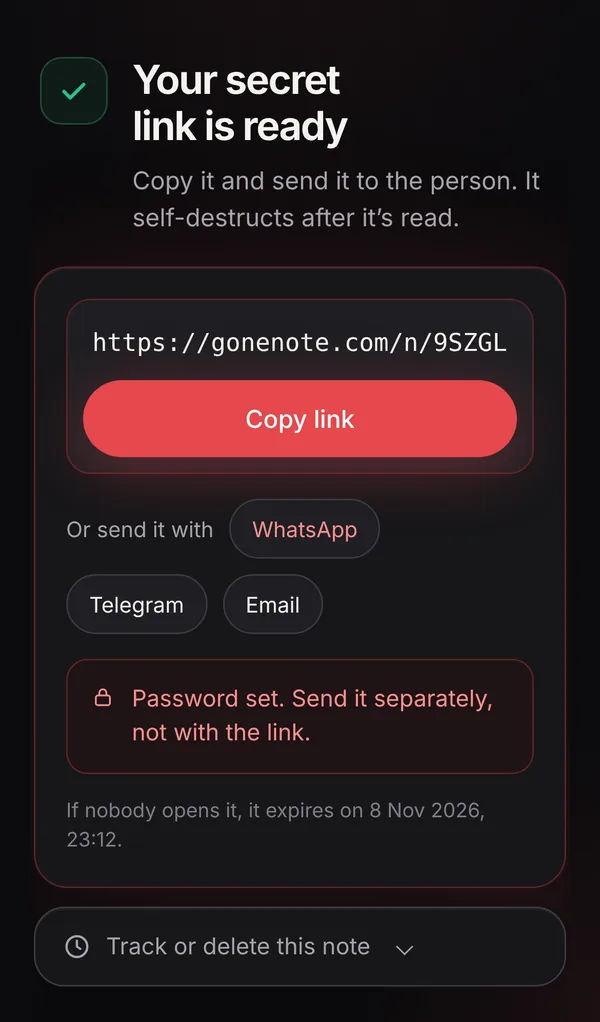
3. Create the link and send it anywhere
Click Create secret link, then copy it or send it with one tap to WhatsApp, Telegram or email.
4. The reader opens it once
The reader is warned that the note will self-destruct, then sees it. It is already gone from the server at that moment.
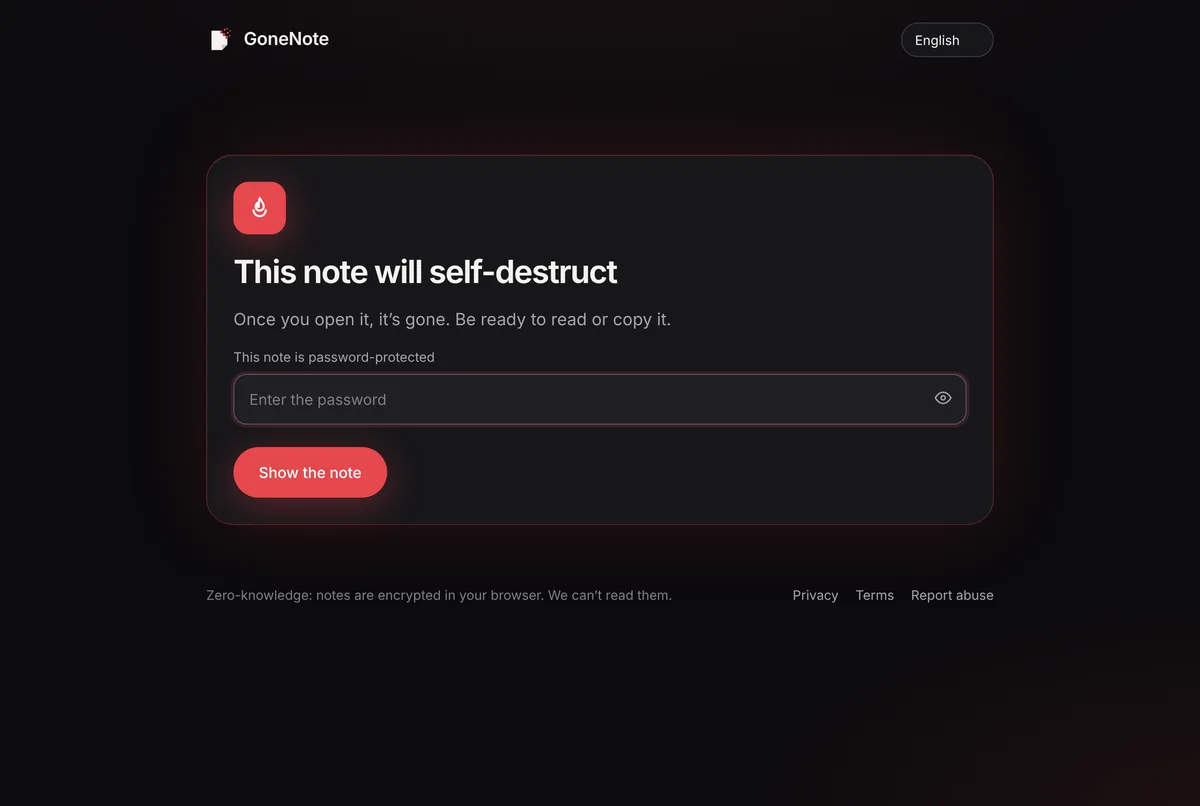
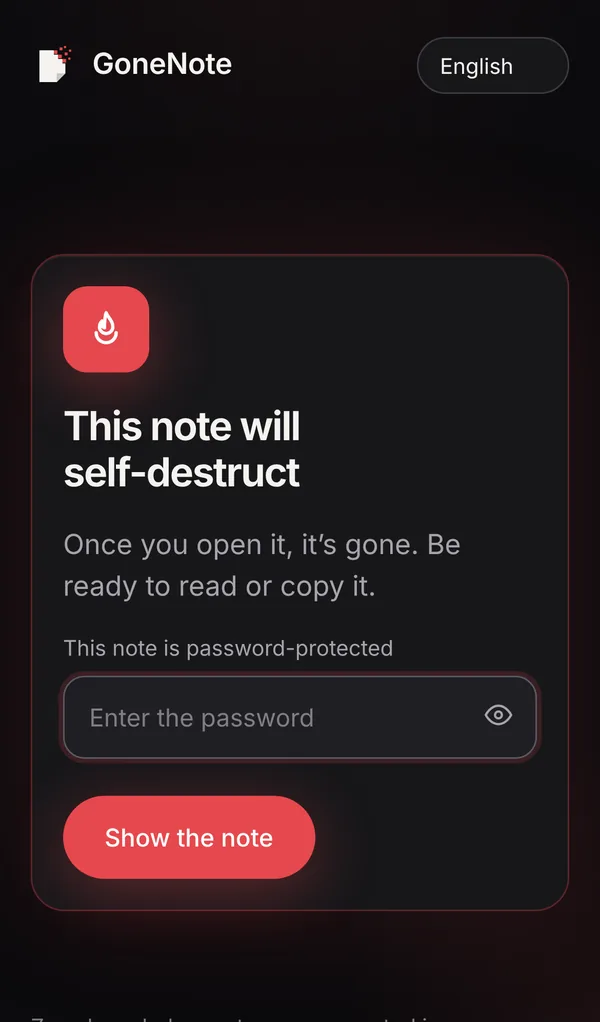
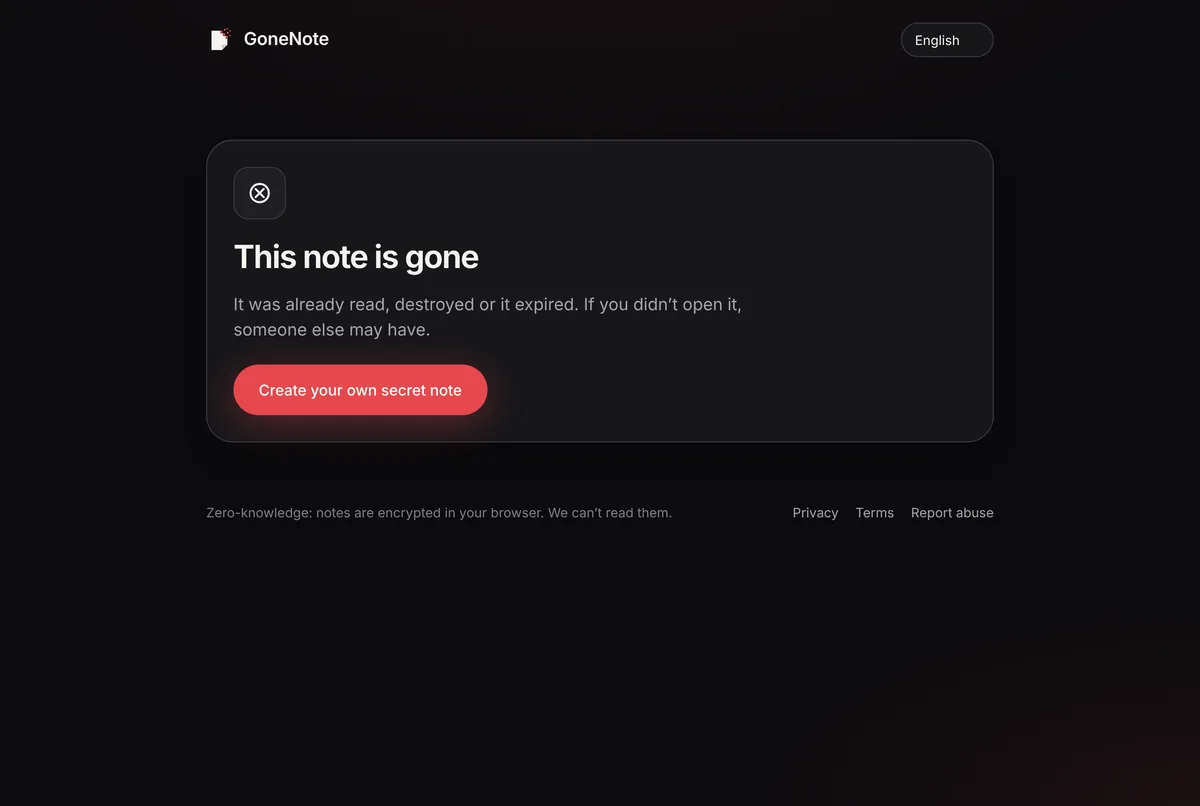
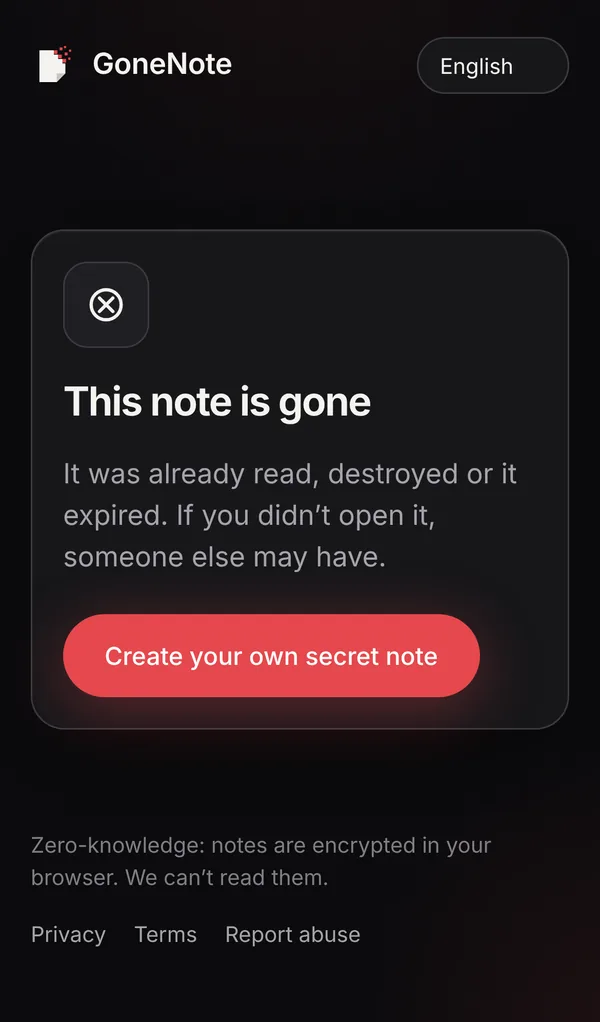
If anyone opens the link again, they see that the note is gone. If that happens before your recipient opened it, someone else got there first.
What it protects, and what it doesn’t
It protects against: old messages leaking from chat history, cloud backups, synced devices, shared inboxes, lost phones and lock-screen previews, and against the service itself reading your note.
It doesn’t protect against: the reader copying or photographing the message, or someone who already controls the reader’s device. Send secrets only to people you trust, and change passwords after handing them over when you can.
Frequently asked questions
Can a self-destructing message be recovered?
Not from GoneNote. Once a note is read or expires, the encrypted data is deleted, and we never had the key to decrypt it in the first place.
Can the reader take a screenshot?
Yes. No website or app can fully stop someone photographing their screen. A self-destructing message removes the copy that would otherwise sit in chats, inboxes and backups; it can’t control what the reader does next.
Is this the same as WhatsApp disappearing messages?
No. Disappearing messages in chat apps delete messages inside that app after a timer. A one-time link works across any app, deletes the content after the first read, and keeps the content itself out of the chat history entirely.
Does the reader need an app or account?
No. The link opens in any browser on any phone or computer.