How to send a password securely
Pasting a password into WhatsApp, Slack or an email leaves a copy in the chat history for years. Here is how to send it as a one-time link instead, so it disappears the moment it’s read.
Why chat apps and email are the wrong place for passwords
Every message you send is copied: to your phone, the other person’s phone, cloud backups, and for email, to at least two mail servers. Deleting your copy doesn’t touch any of the others. Months later, a lost phone, a hacked inbox or a colleague scrolling back through a shared channel is all it takes for that password to leak.
The fix is simple: don’t send the password, send a link to it. A one-time link shows the password once and then destroys it, so there is nothing left to find later.
What “secure” actually means here
Not every “secret link” tool is equal. Look for these four things:
- Encrypted in your browser (end-to-end). The password should be encrypted on your device before it is uploaded, so the service itself can’t read it.
- The key never reaches the server. GoneNote puts the decryption key after the
#in the link. Browsers never send that part to a server. - Destroyed after reading. The encrypted data is deleted the moment it’s opened, not just hidden.
- Expires if nobody opens it. A forgotten link shouldn’t work forever.
Step by step: send a password with GoneNote
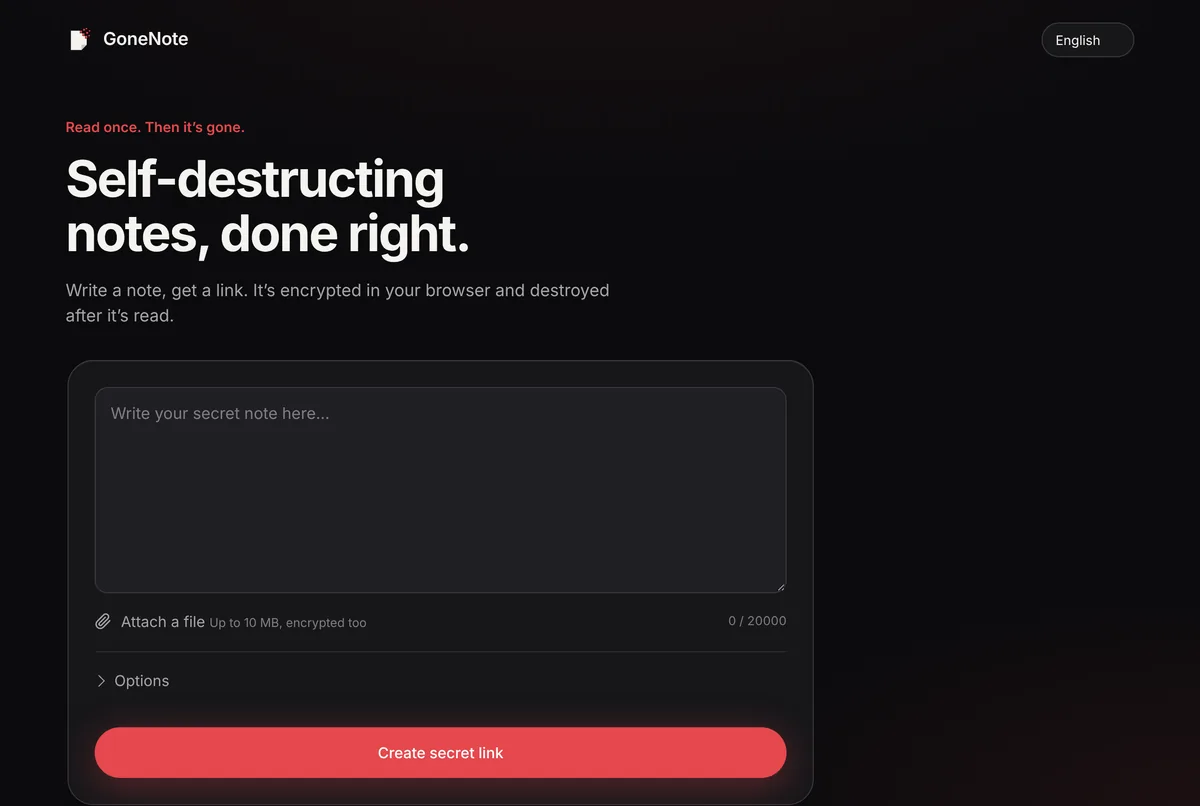
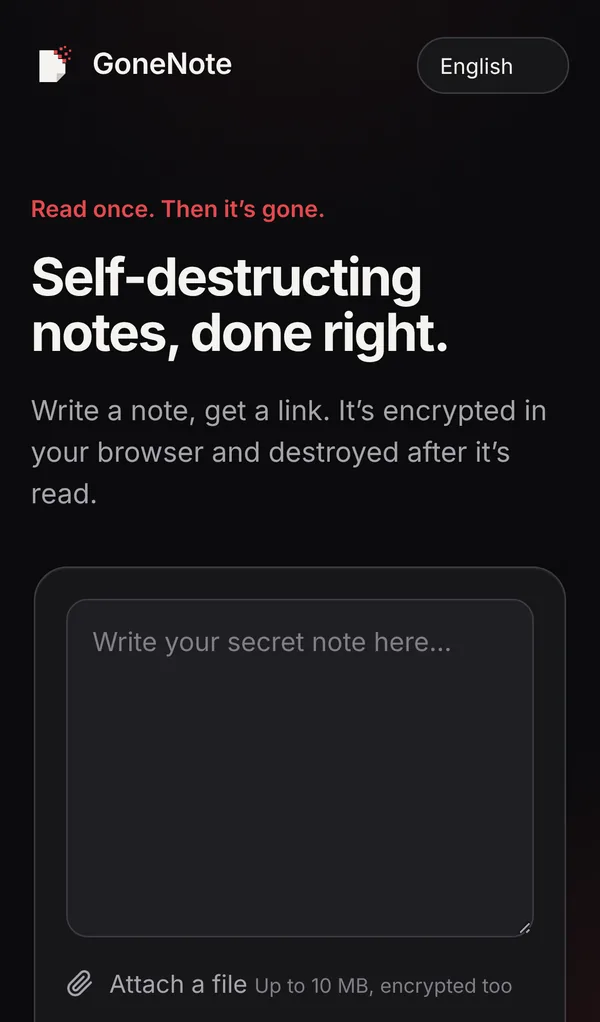
1. Write the password in a new note
Go to gonenote.com and type or paste the password into the box. Add whatever the person needs to use it, such as the username or the website, but nothing more.
2. Choose the options (optional)
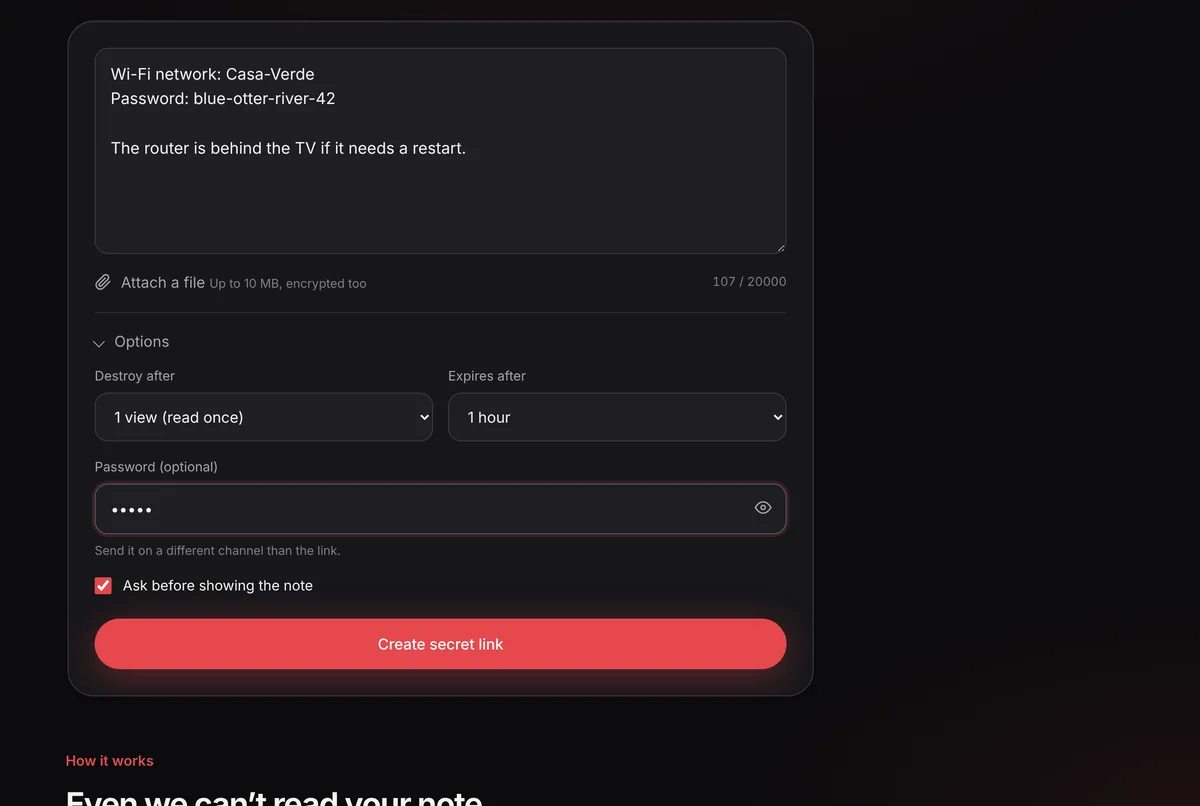
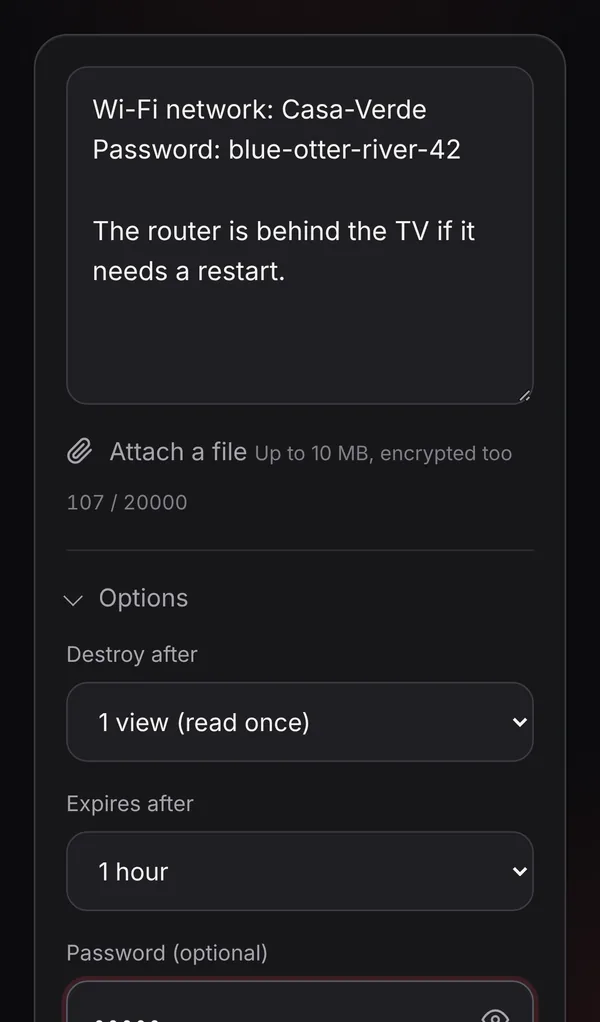
Open Options to fine-tune the note:
- Destroy after: 1 view (read once) by default, up to 10 views if several people need it, or unlimited until it expires.
- Expires after: 1 hour (default), 24 hours, 7 days or 30 days.
- Password: an extra password the reader must type. Five wrong tries destroy the note.
- Ask before showing the note: the reader sees a warning first, so a link preview or an accidental tap doesn’t burn it.
3. Create the secret link
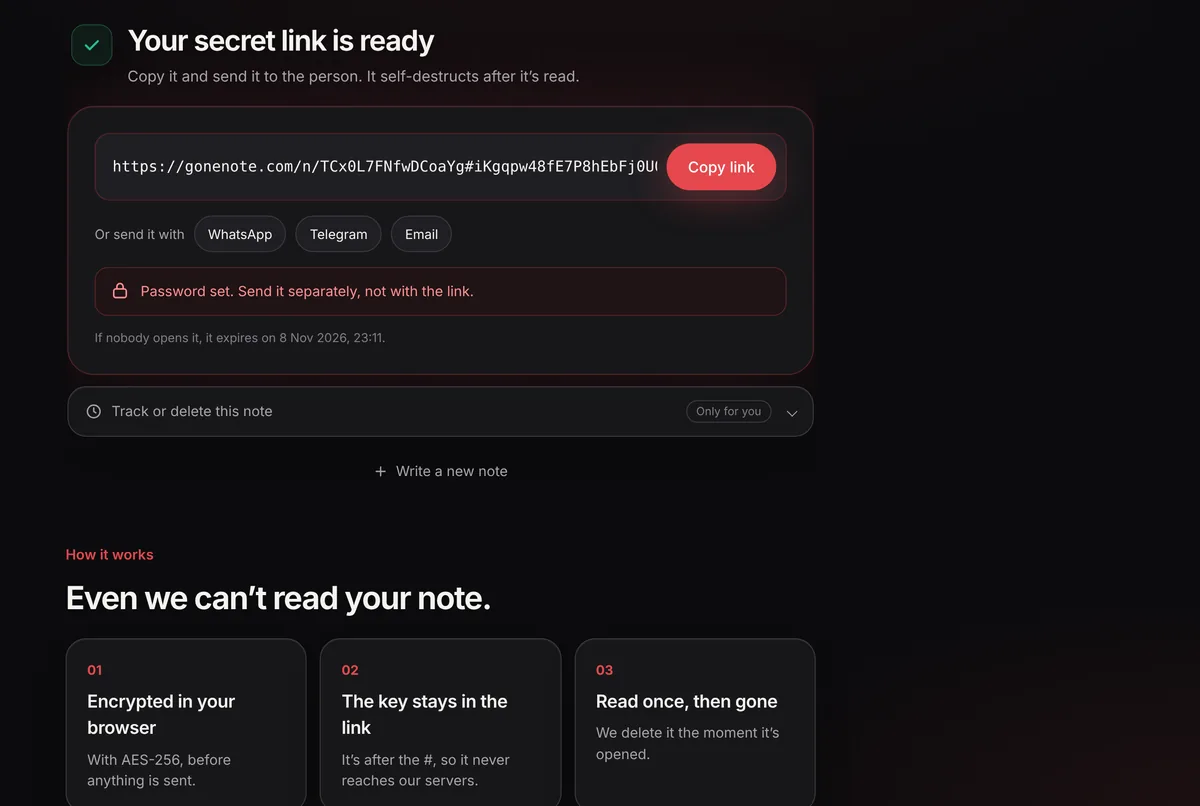
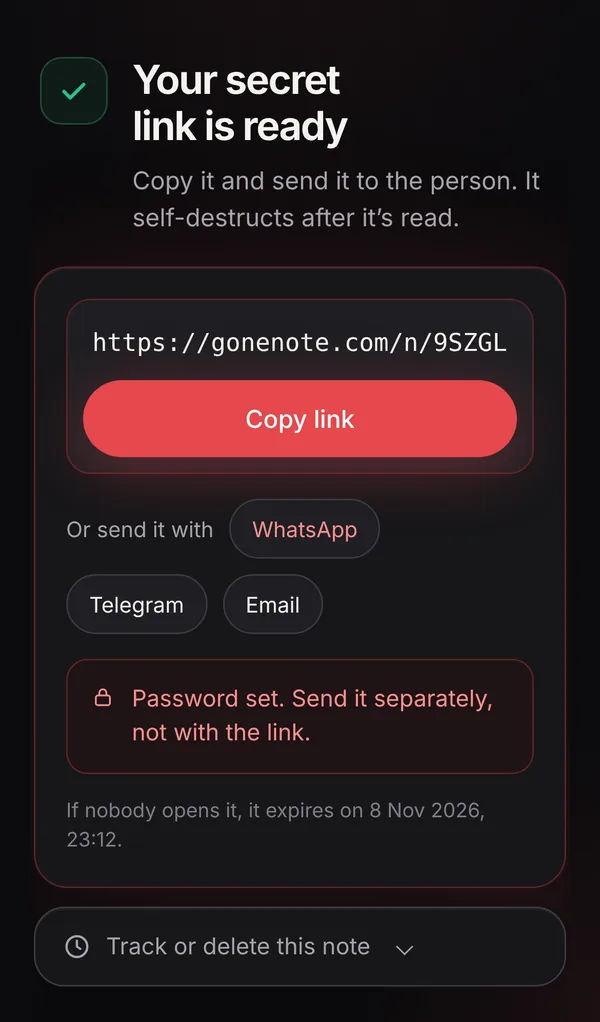
Click Create secret link. Your browser encrypts the note and uploads only the scrambled data. You get a link like gonenote.com/n/…#…; everything after the # is the key.
4. Send the link, and the password separately
Copy the link, or tap WhatsApp, Telegram or Email to send it directly. If you added a note password, send it a different way, for example in a call or a text, never in the same message as the link.
5. Check that it was read
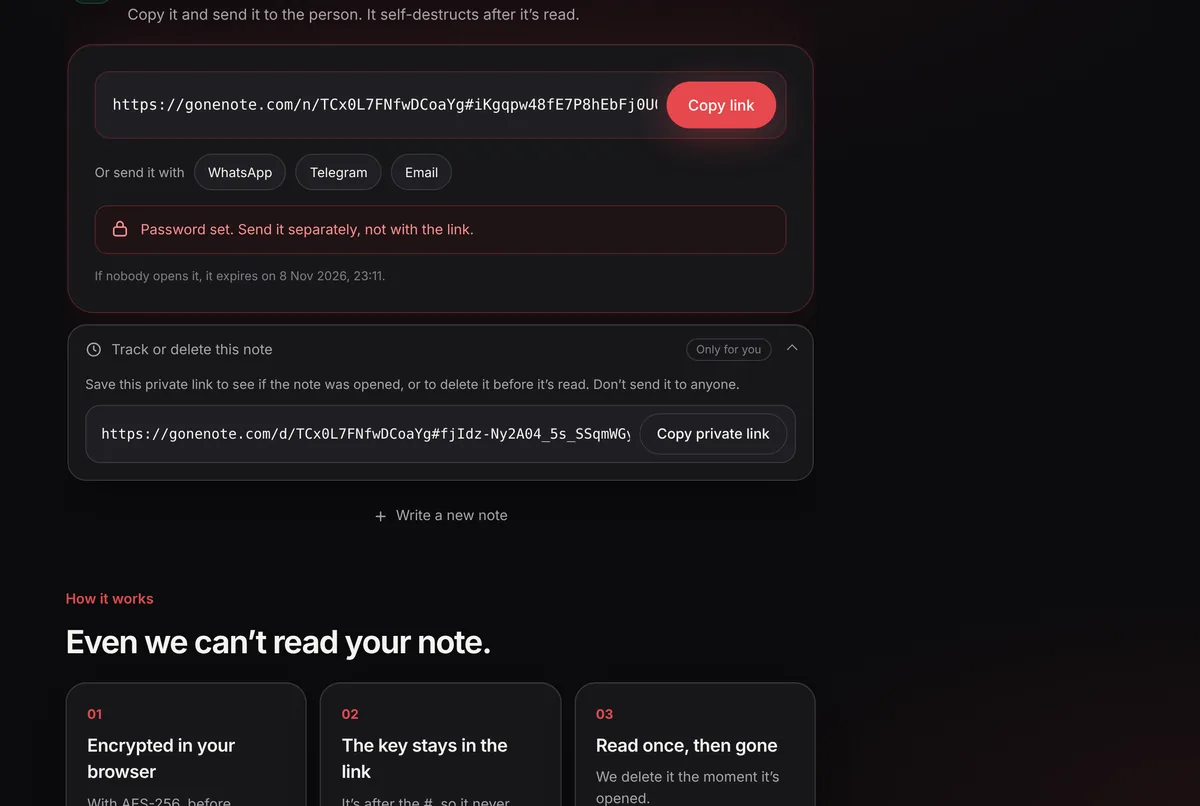
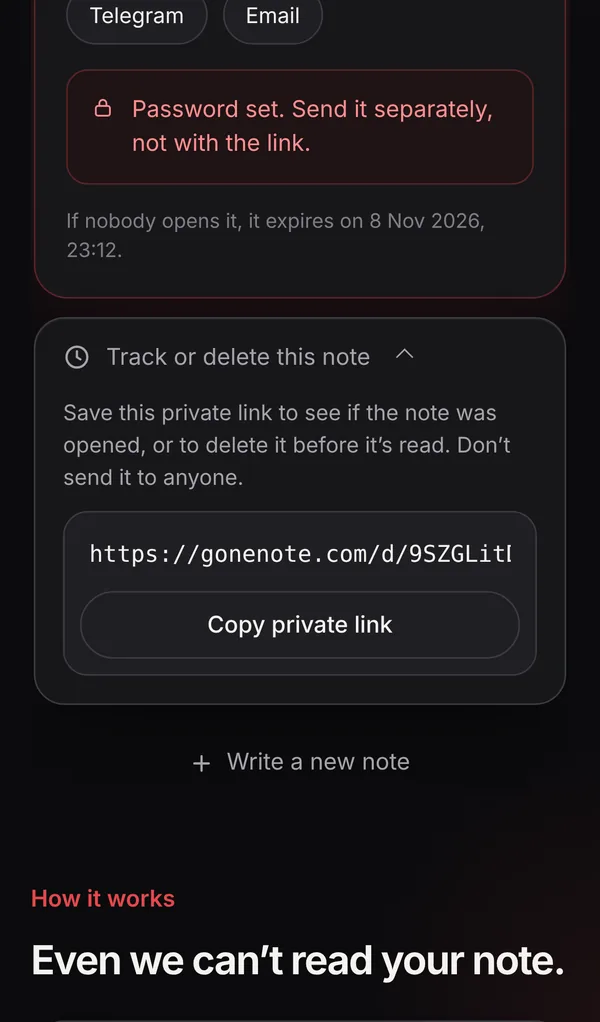
Open Track or delete this note and save the private link. It tells you whether the note was opened, and lets you destroy it if you sent it to the wrong person. Read more in how to know if someone read your note.
What the recipient sees
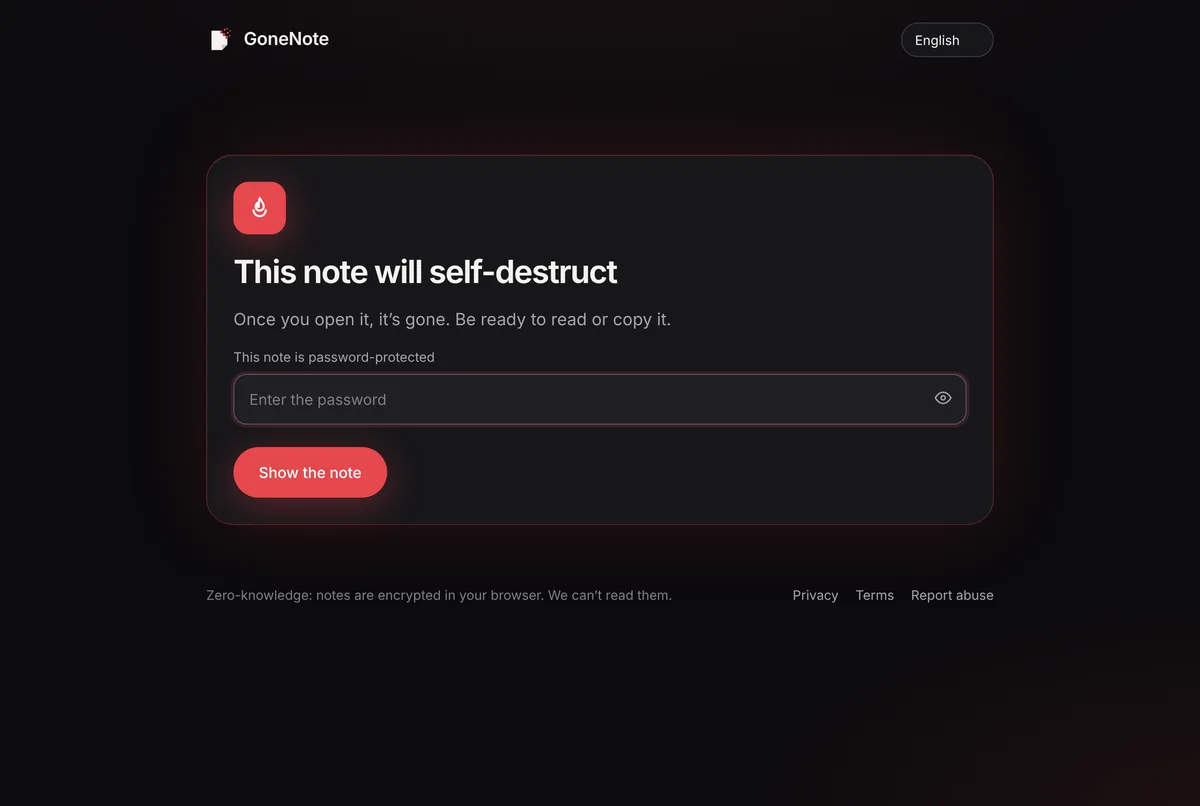
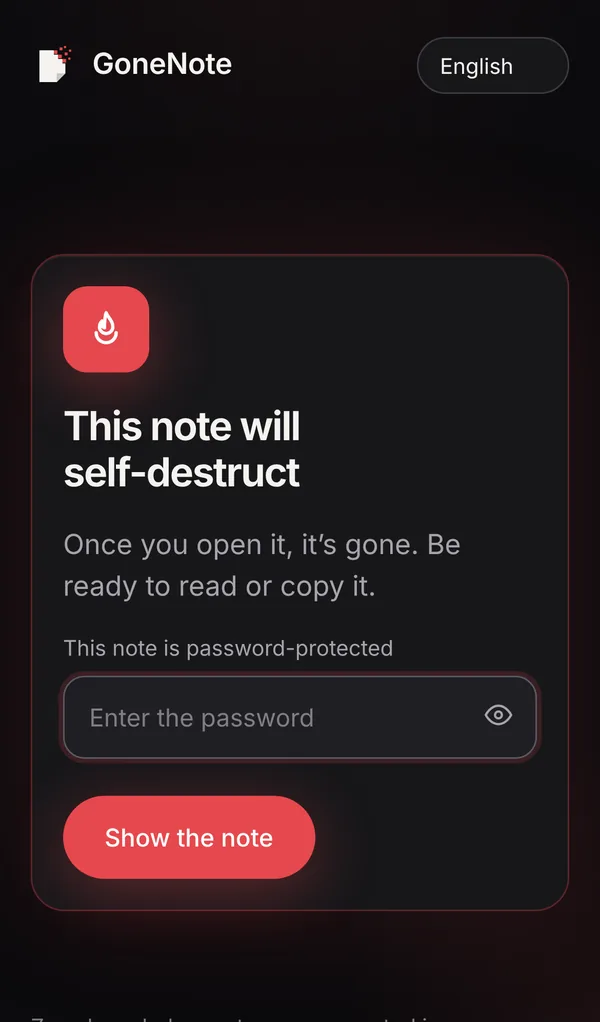
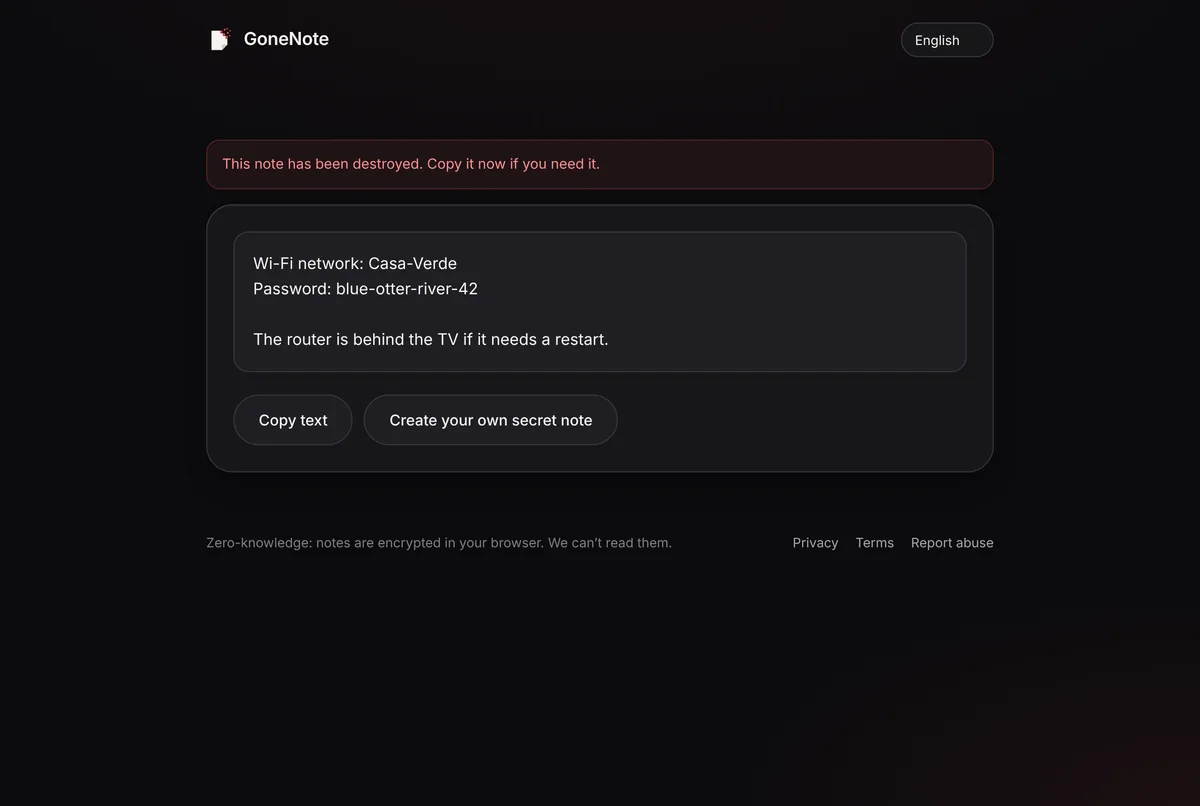
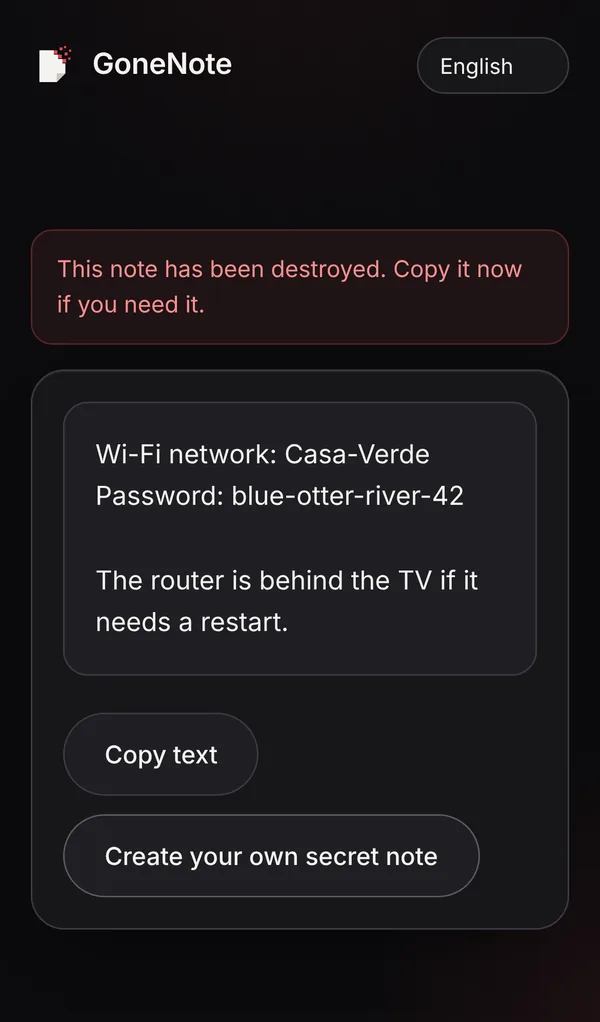
When they open the link, GoneNote asks for the password (if you set one) and warns that the note will self-destruct. After they read it, the note is gone: opening the same link again shows “This note is gone”.
Extra tips for sharing passwords
- Ask them to change it. For accounts that support it, a one-time handover plus a password change is the gold standard.
- Keep the username apart when you can, or at least don’t send the login page link in the same note.
- Use a short expiry (1 hour or 24 hours) when the person is waiting for it.
- For teams that share many passwords, a password manager with shared vaults is the better long-term tool; use one-time links for one-off handovers, onboarding and people outside the team.
- If the link says “gone” and they didn’t open it, assume someone else did and change the password.
Frequently asked questions
Is it safe to send a password by email?
Not on its own. The email stays in both inboxes, in backups and on the mail servers, often for years. Send a one-time link instead so the password itself never sits in the inbox.
Can GoneNote read my password?
No. The note is encrypted in your browser with AES-256 before it is uploaded, and the key is the part of the link after the #, which browsers never send to the server. We only store data we cannot decrypt.
What happens if the wrong person opens the link first?
They see the note and it is destroyed, so the real recipient sees “This note is gone”. That tells you the link leaked: change the password straight away. A note password, sent separately, prevents this.
How long does the link work?
Until it is opened, or until the expiry you choose: 1 hour (default), 24 hours, 7 days or 30 days. After that the encrypted data is deleted.
Do I or the recipient need an account?
No. GoneNote is free and works in any browser without signing up.