How to share API keys and secrets securely with developers
API keys pasted into Slack, Jira or email end up in search indexes, exports and backups, and leaked keys get abused fast. Here’s how to hand them over without leaving a copy behind.
Why chat tools and tickets are the wrong place for keys
Team chat and ticketing tools are searchable, exported, synced to phones and connected to third-party integrations. A key pasted there is readable by everyone who later joins the channel, every bot with access, and anyone who compromises a single account. Secret-scanning tools regularly find live keys in exactly these places.
The rule: rotate, scope, hand over once
- Scope it: create a key with only the permissions the person needs.
- Hand it over once: send it in a link that self-destructs after it’s read.
- Store it properly: the receiver puts it straight into a secrets manager or encrypted environment variables.
- Rotate on exit: when someone leaves a project, rotate the keys they had.
Step by step with GoneNote
1. Create a scoped key
In your provider’s dashboard, create a new key for this person or integration instead of sharing an existing one. You’ll be able to revoke just that key later.
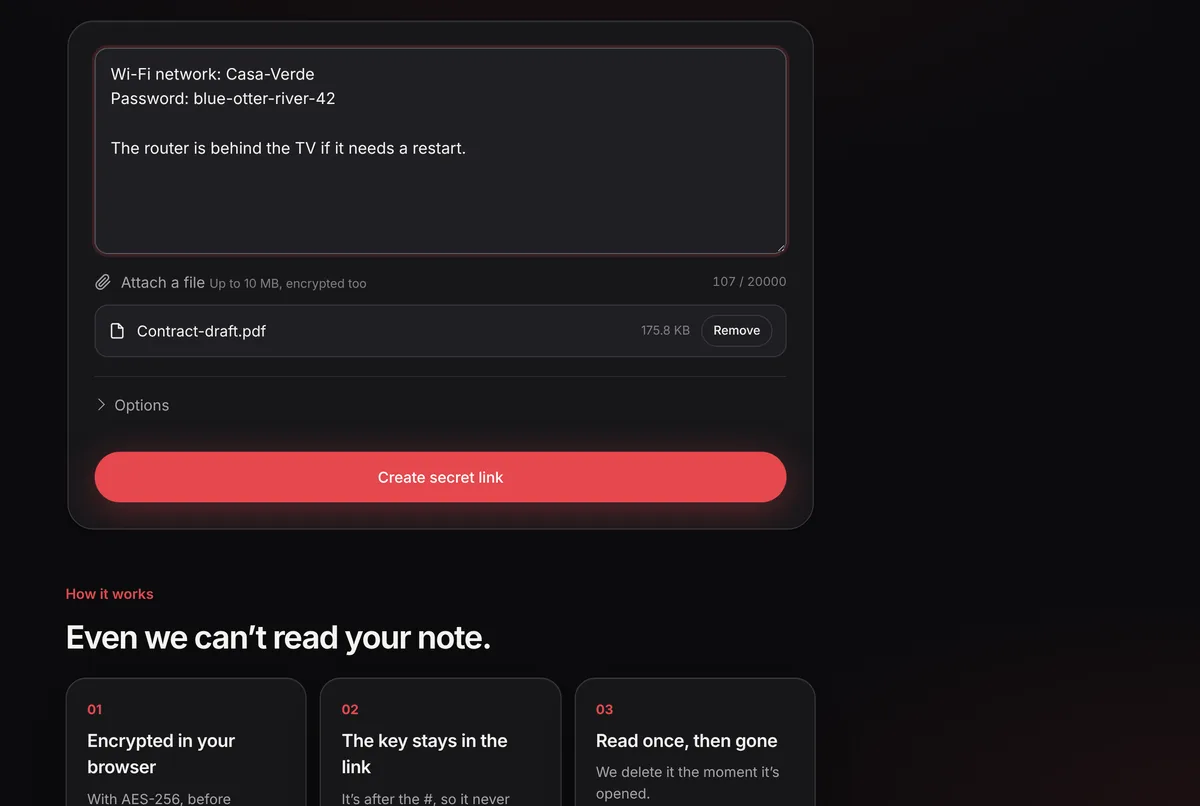
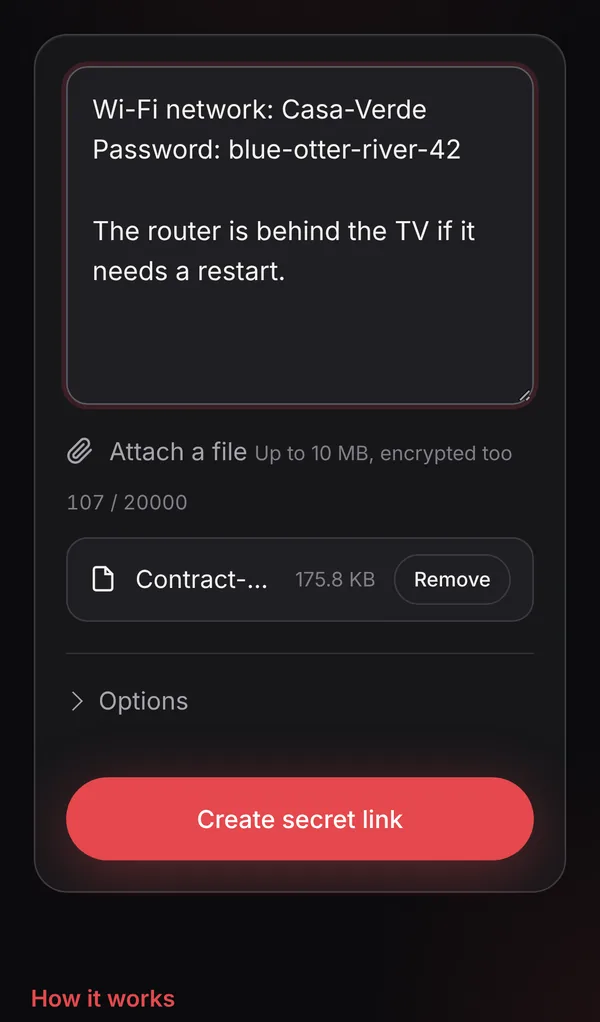
2. Paste it, or attach the .env file
Open gonenote.com and paste the key with a one-line label (“Staging Stripe key, read-only”). For several variables, attach the .env file instead.
3. Short expiry, optional password
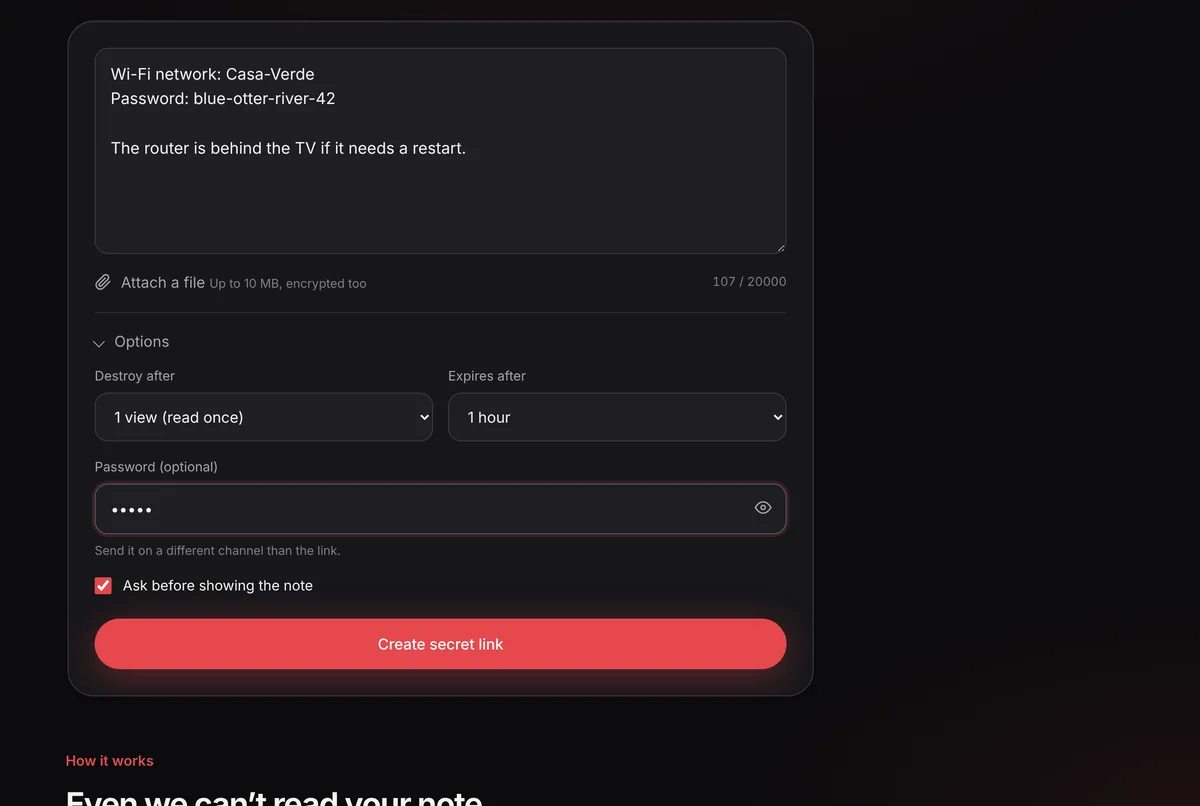
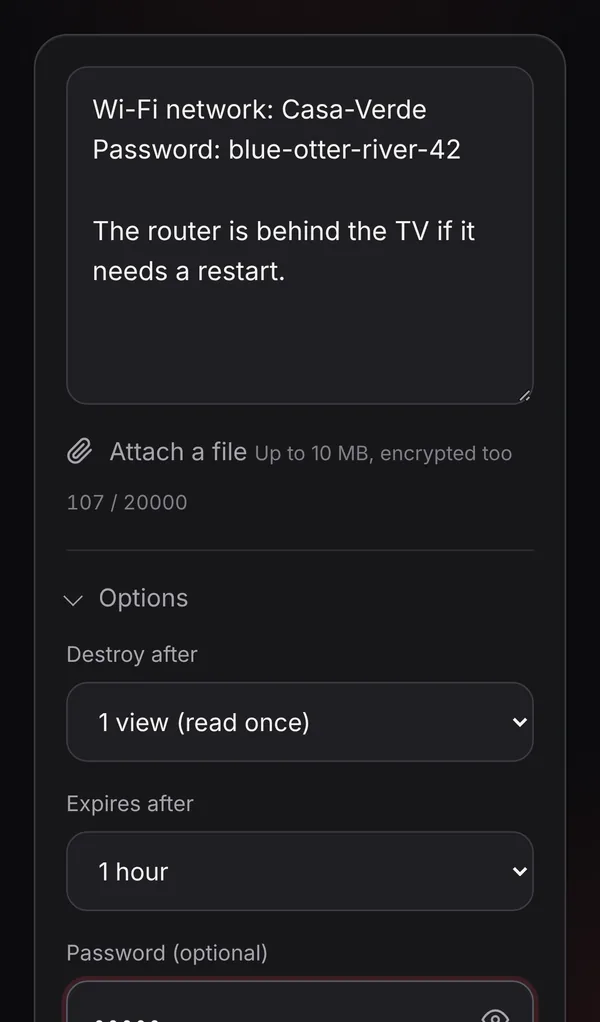
Open Options: choose 1 hour or 24 hours. If the link goes through a shared space, add a password and send it separately.
4. Send the link in a direct message
Send it to the person directly, not in a public channel. Even though a channel would only show a link, a colleague could open it first.
5. Confirm it was opened
Use the private tracking link. If the note shows it no longer exists but your colleague says they never opened it, rotate the key immediately.
When to use a secrets manager instead
One-time links are for handing over a secret. For secrets that services read every day, use a secrets manager or your hosting platform’s encrypted variables, with access control and audit logs. A good workflow combines both: the secret lives in the manager, and when a human needs a copy, they get a one-time link.
Checklist
- Never commit secrets to Git, even in private repositories.
- Never paste secrets into tickets, wikis or shared channels.
- Use separate keys per person and environment (staging vs production).
- Rotate keys when people leave and after any suspected leak.
Frequently asked questions
Can I send a whole .env file?
Yes. Attach it as a file (up to 10 MB) or paste its contents. It is encrypted in your browser before upload and deleted after it’s opened.
Is a one-time link enough for production secrets?
It’s a safe way to hand a secret over once. For secrets that applications use every day, store them in a secrets manager or your platform’s encrypted environment variables, and use one-time links only for the handover.
What if I already pasted a key in Slack?
Treat it as leaked: revoke or rotate the key at the provider, then share the new one with a one-time link. Deleting the message is not enough because of search, exports and integrations.
Does GoneNote have an API?
Not yet publicly. Notes are created in the browser so that encryption happens on your device.