How to send a file securely with a self-destructing link
Email attachments and cloud links live forever in inboxes and shared drives. For a sensitive document, send an encrypted link that works once and then deletes the file.
Why not just attach it to an email?
An attachment is copied to every mail server it passes through and stays in the sender’s and recipient’s mailboxes, and their backups, indefinitely. Shared cloud links are better, but they often stay valid for months and are easy to forward. For an ID scan, a contract or medical paperwork, you want the opposite: readable once, by one person, then gone.
Step by step
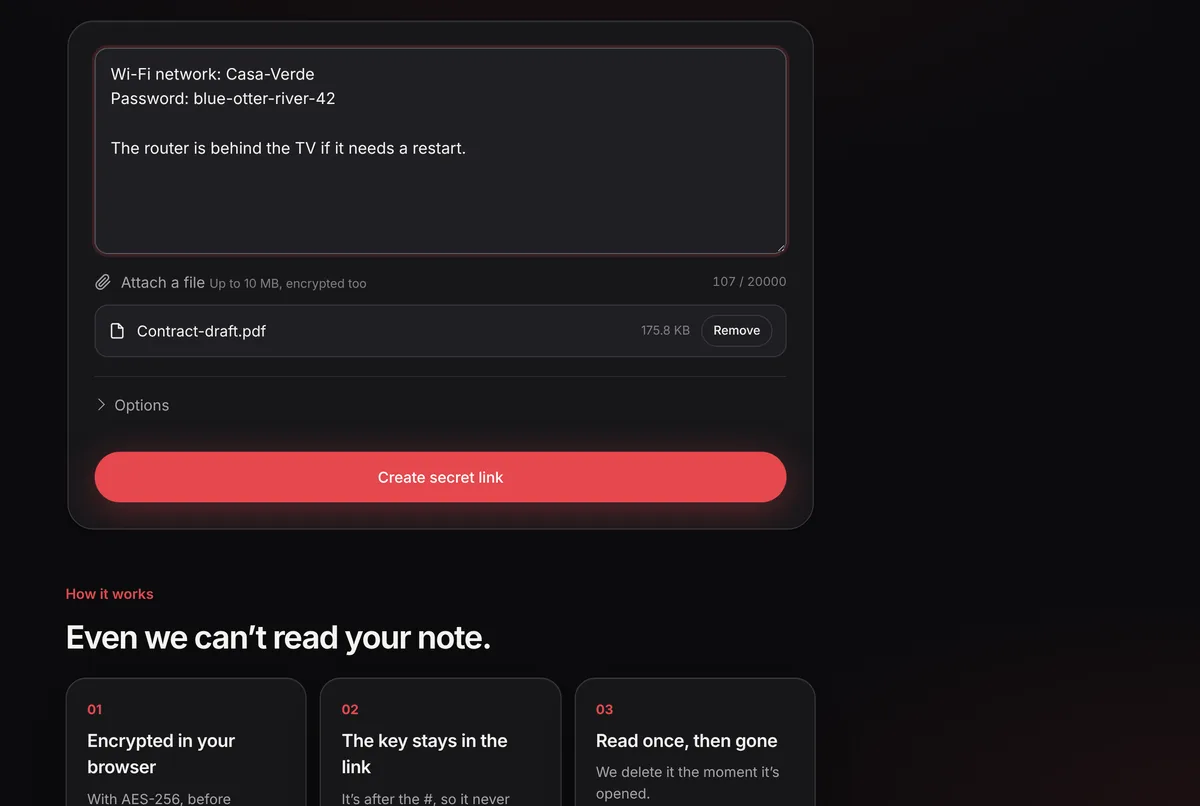
1. Attach the file
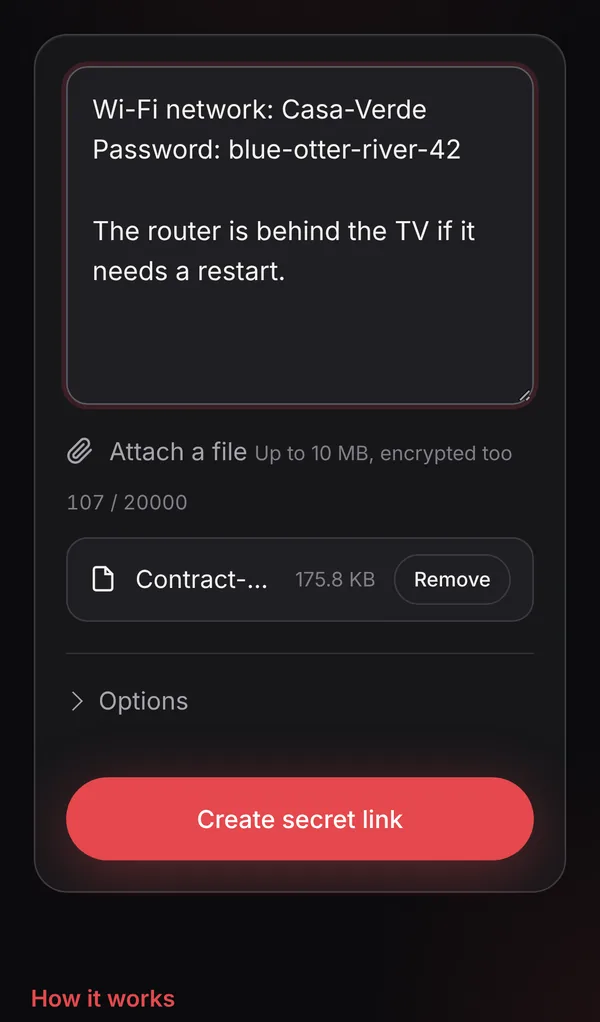
Open gonenote.com, click Attach a file and choose your document, up to 10 MB. You can add a short message in the text box, such as what the file is.
2. Protect it with a password and a short expiry
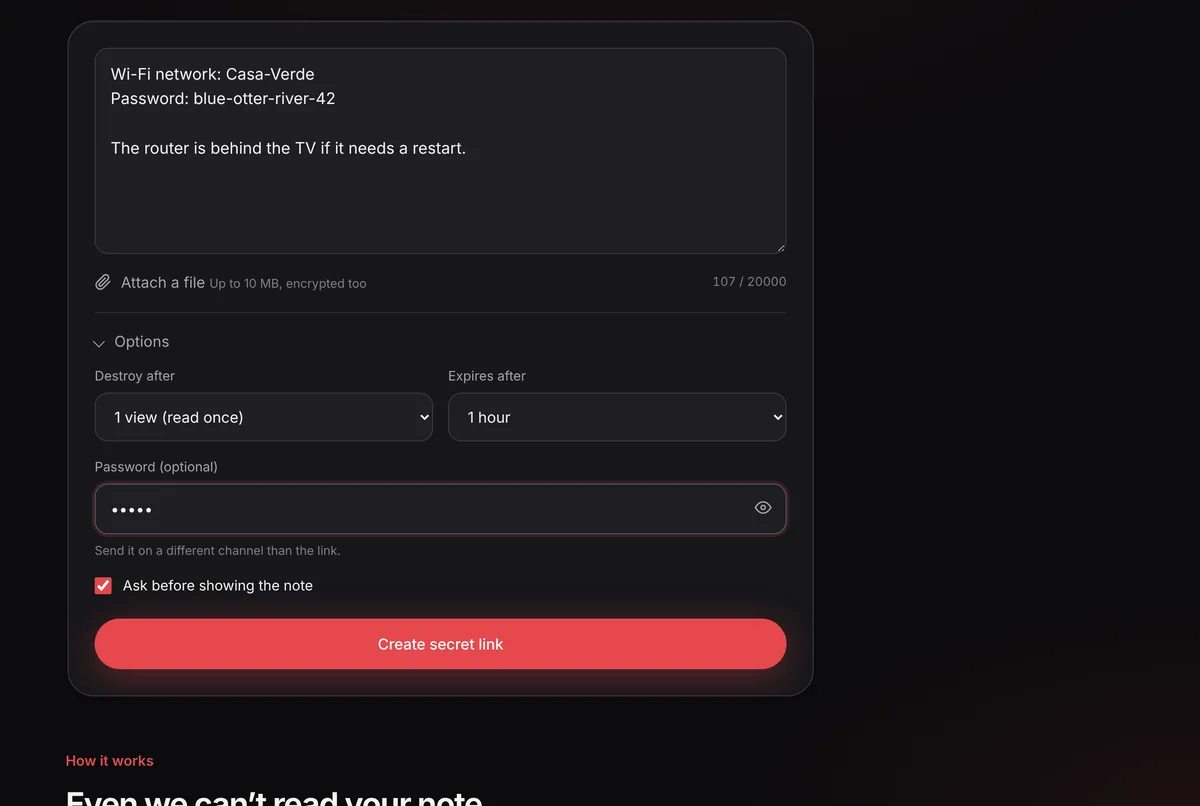
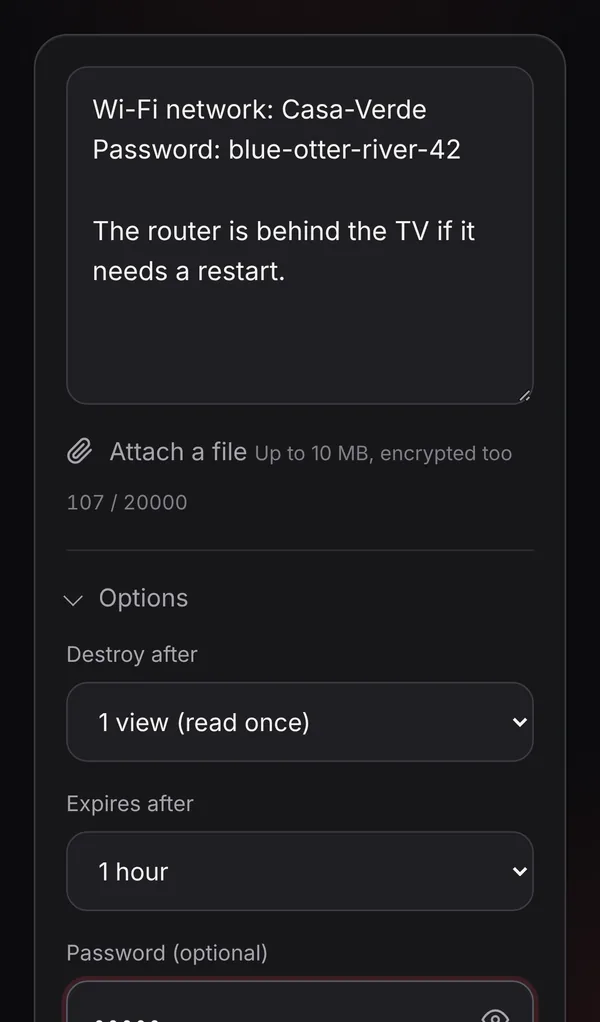
Open Options. For documents, we recommend a password and an expiry of 24 hours or 7 days. Five wrong password attempts destroy the note.
3. Create the link
Click Create secret link. Your browser encrypts the file with AES-256 before uploading it, so GoneNote never sees its contents.
4. Send the link and the password separately
Email or message the link. Send the password another way: a call, an SMS or a different chat app. That way, someone who gets into one channel still can’t open the file.
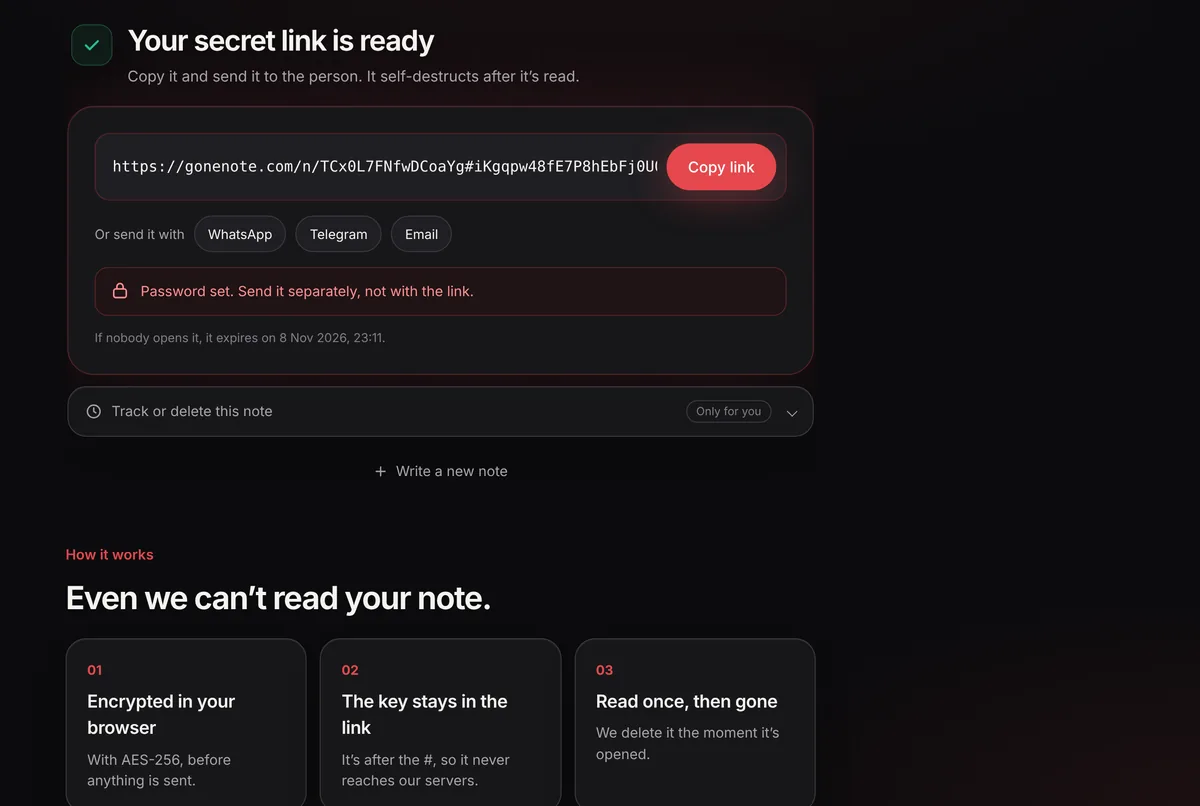
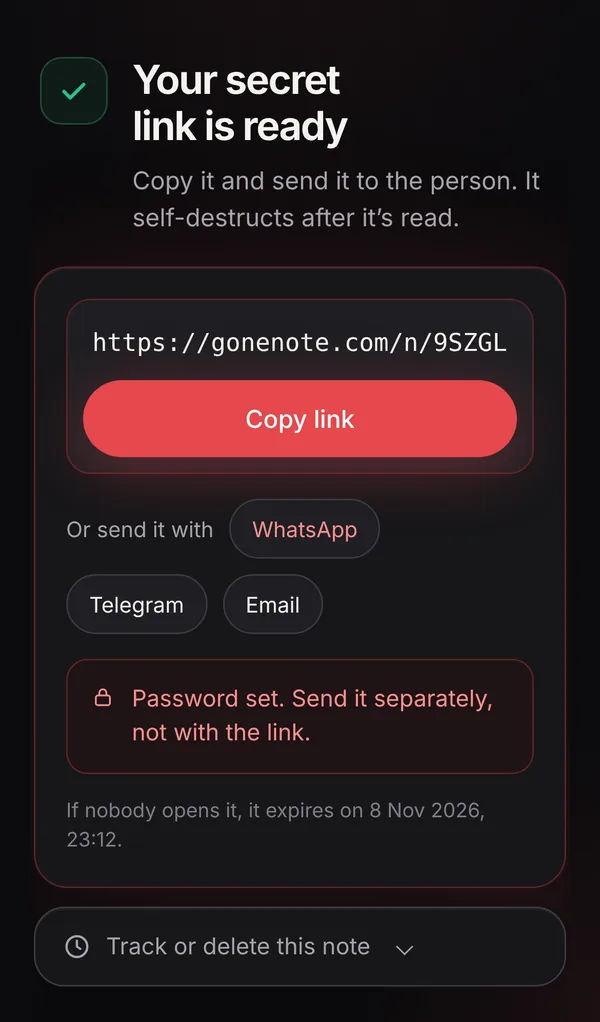
5. The recipient downloads it once
They open the link, type the password and download the file. The encrypted copy is deleted from our server immediately. Use the tracking link to confirm it was opened.
Good practice for sensitive documents
- Remove what isn’t needed, for example by cropping an ID scan or blacking out an account number the other person doesn’t need.
- Name the file plainly but without personal data, for example “contract-draft.pdf” rather than your full name and ID number.
- Agree on it in advance, so the recipient expects a link and doesn’t mistake it for phishing.
- Delete your local copies when you no longer need them.
Frequently asked questions
What file types can I send?
Any type: PDF, Word, images, ZIP archives and more, up to 10 MB per note. Images are shown directly; other files get a download button.
Is the file scanned or stored in plain form?
No. The file is encrypted in your browser before upload, so the server only stores unreadable data and can’t scan or open it.
What if the file is larger than 10 MB?
Compress it into a ZIP, split it, or use an end-to-end encrypted transfer service built for large files. Keep the password in a separate one-time note.
Can I send the same file to several people?
Yes. In Options, set Destroy after to the number of people (up to 10 views). Or create one note per person so you can see who opened theirs.