How to send bank details safely
Bank details in an email or chat stay there for years, and scammers who get into an inbox love them. Here’s a safer way to share them, plus the one rule that stops payment-redirection fraud.
The problem with emailing your IBAN
An email with your bank details sits in your sent folder, the other person’s inbox, both providers’ servers and every backup, often for years. If either inbox is ever compromised, those details are ready to use in a scam: impersonating you, or sending fake “our bank details have changed” emails to people who pay you.
Step by step
1. Write only what’s needed
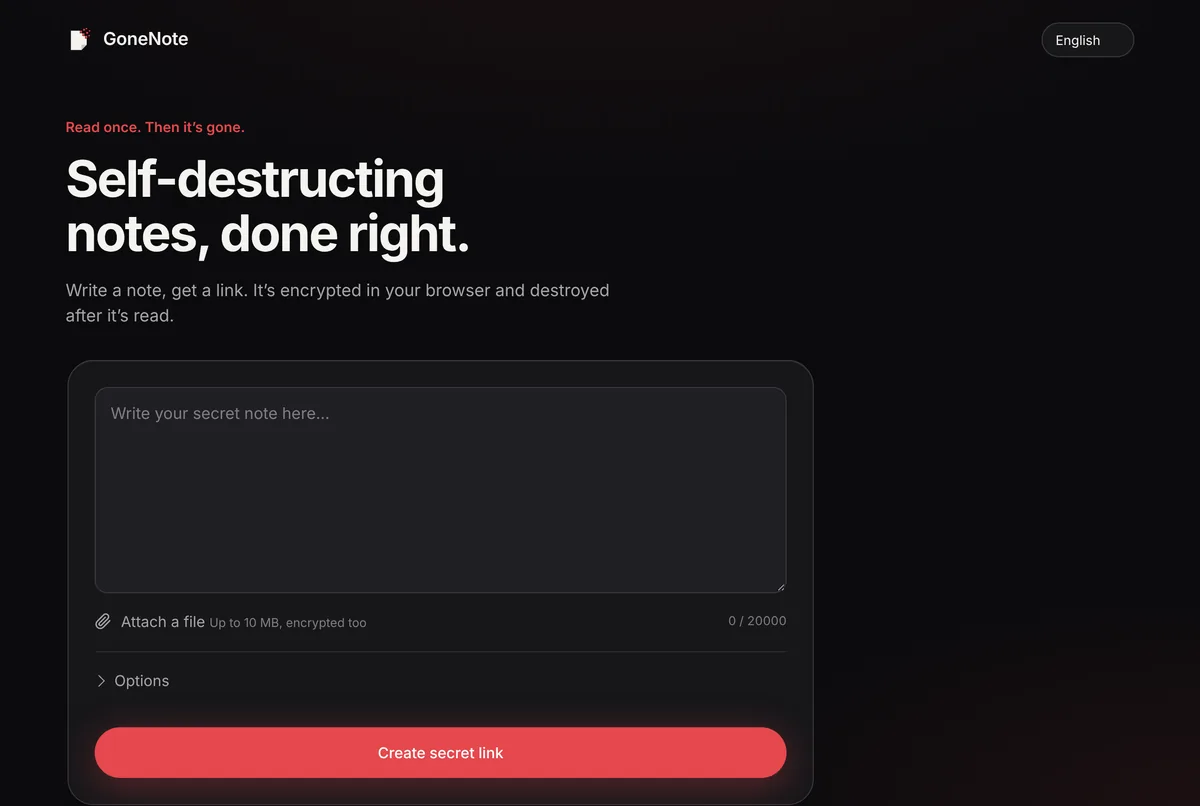
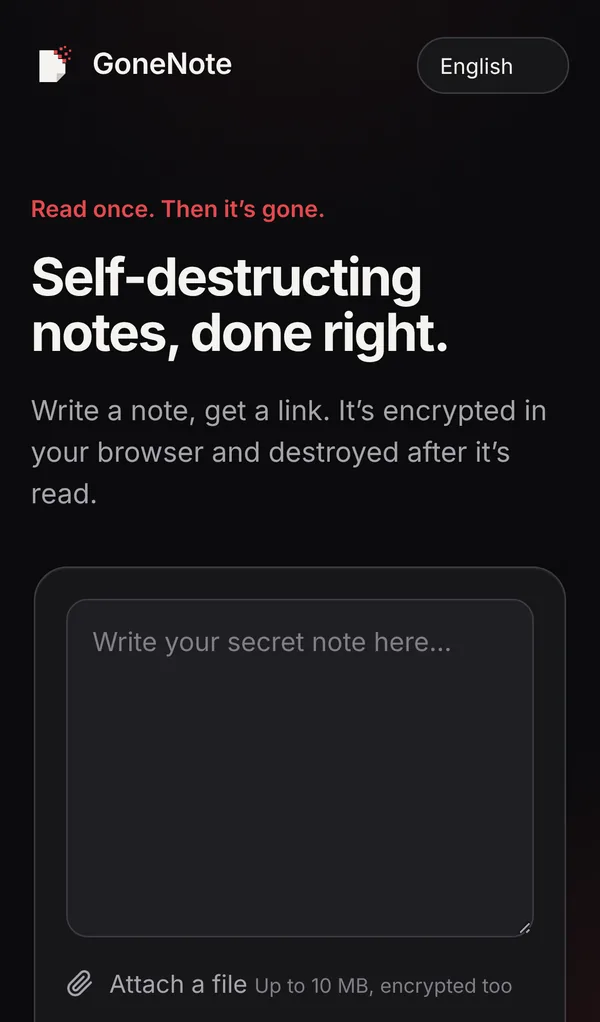
Open gonenote.com and write the account holder name, IBAN (and BIC/SWIFT if needed) and bank name. Nothing else: no ID numbers, no address unless required.
2. Choose a short expiry
In Options, choose 24 hours or 7 days. If several people at a company need it, set Destroy after to the number of people.
3. Create and send the link
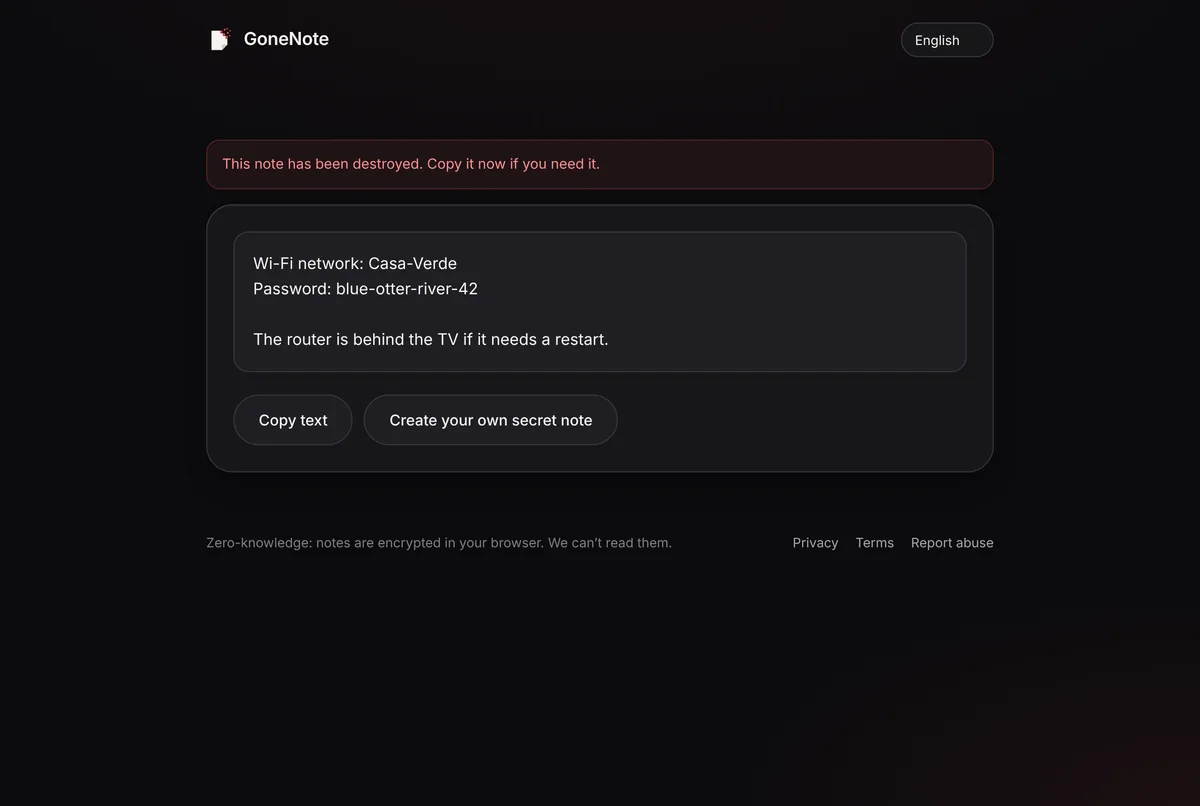
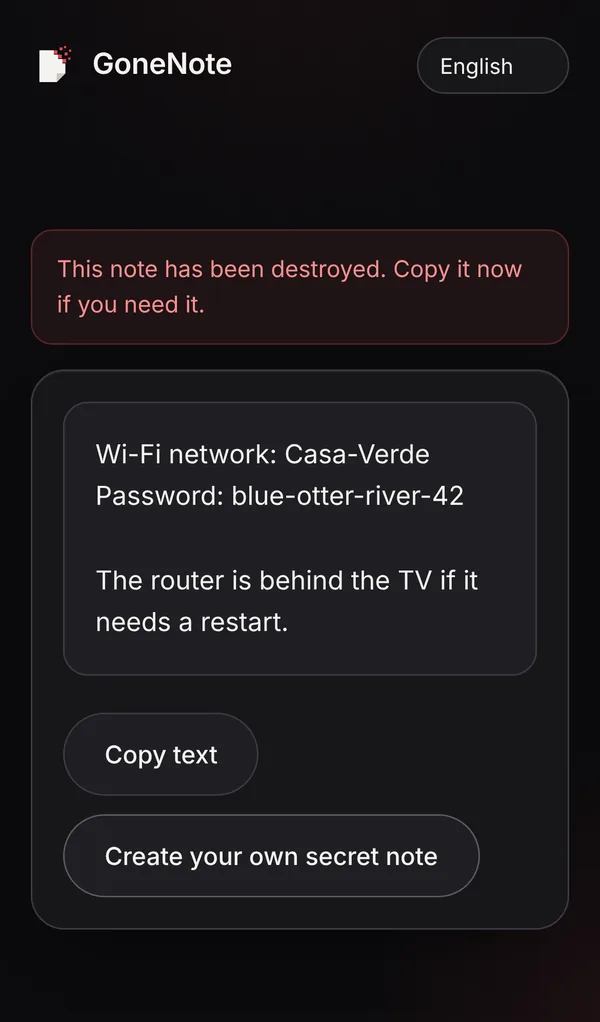
Click Create secret link and send it. The recipient sees the details once; after that, the note is gone.
4. Confirm by phone before the first payment
For rent, invoices or anything large, ask the payer to confirm the details with you by phone or in person. This one habit defeats most payment-redirection fraud.
Spot a payment-redirection scam
- “Our bank details have changed” messages, especially urgent ones, are the classic warning sign.
- A slightly different email address or a reply-to that doesn’t match the sender.
- Pressure to pay today or to keep it confidential.
- A new account in a different country from the supplier.
If you’re on the paying side, always verify changes by calling a number you already have, never one from the message itself.
Never send these, by any method
Card numbers and CVV codes, one-time banking codes, online banking passwords and PINs. No legitimate bank, shop or landlord needs them in a message.
Frequently asked questions
Is it dangerous to share my IBAN?
An IBAN on its own mainly lets people send you money. But together with your name, address and other details it helps scammers impersonate you, and in some countries it can be misused for direct debits. Share it only with people who need it, and don’t leave it lying in old messages.
What is a payment-redirection scam?
A scammer gets into an email account or fakes one, then sends a message saying a supplier’s or landlord’s bank details have changed. The payer sends money to the scammer’s account. Always confirm new or changed bank details by phone using a number you already know.
Should I send card numbers this way?
No. Never send card numbers, CVV codes or online banking passwords to anyone, by any method. Legitimate businesses take card payments through a payment page.
Can GoneNote see my bank details?
No. The note is encrypted in your browser and the key stays in the link, so we only store unreadable data, and it is deleted after it’s read.