How to share your Wi-Fi password safely
The Wi-Fi password usually gets sent once and then sits in a group chat for years. Here are three better ways to share it, from the quickest to the most private.
Option 1: share from your phone (people in the room)
If the guest is next to you, you don’t need to send anything. iPhones can offer to share a saved network with nearby contacts, and many Android phones can show a Wi-Fi QR code in their network settings that the guest scans. Nothing ends up in a chat.
Option 2: a guest network (Airbnb and frequent visitors)
Most routers can run a separate guest network. Guests get internet, but can’t see your computers, printers or cameras. Change the guest password between stays, so old guests can’t reconnect.
Option 3: a one-time link (sending it in advance)
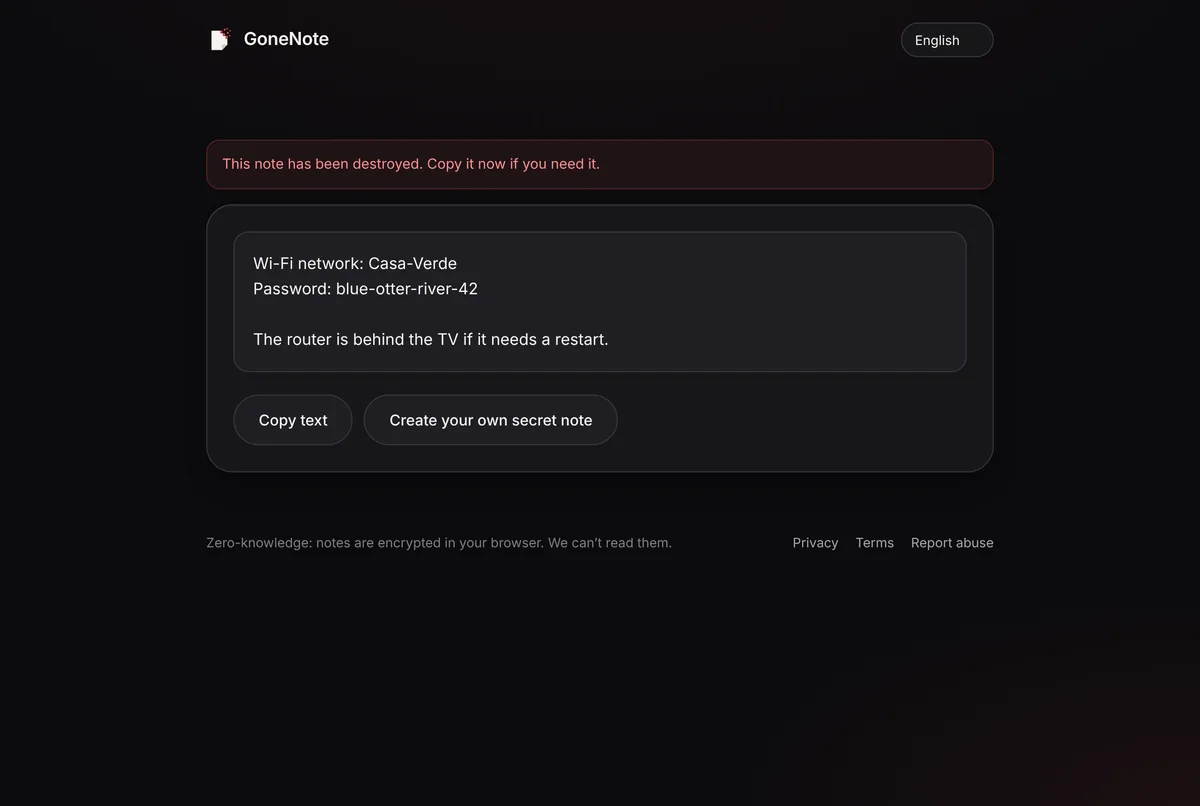
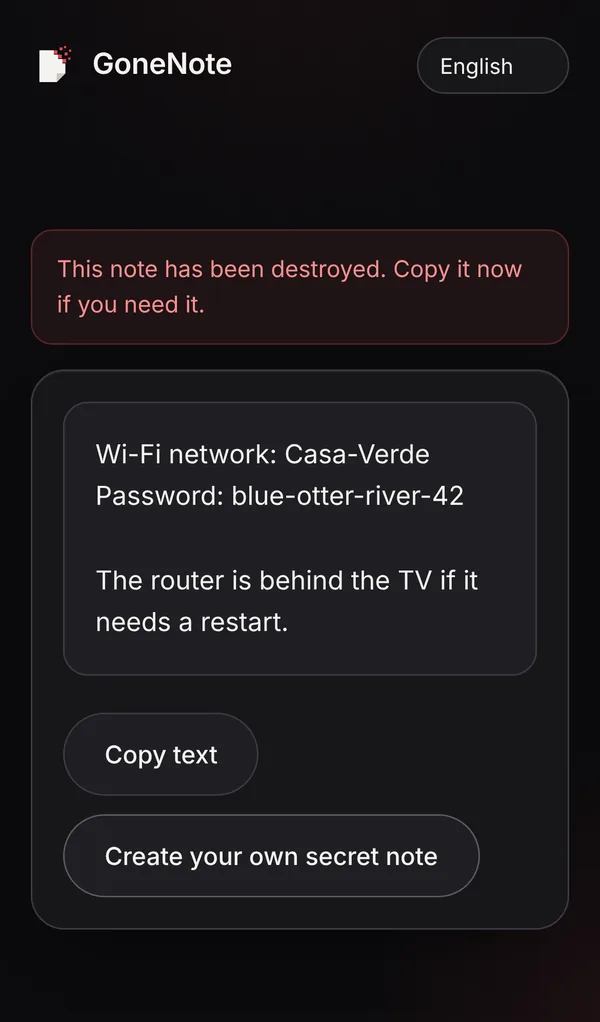
When guests need the password before they arrive, send it as a self-destructing note so it doesn’t sit in the chat.
1. Write the network and password
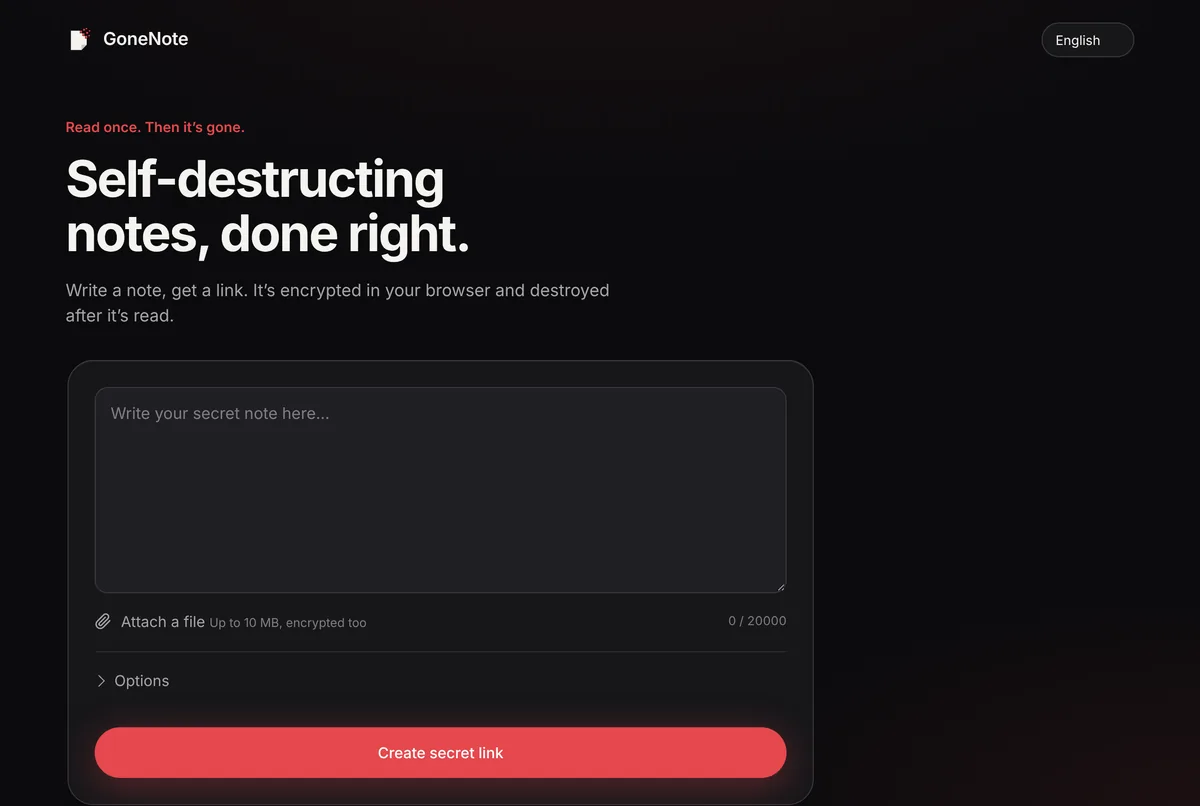
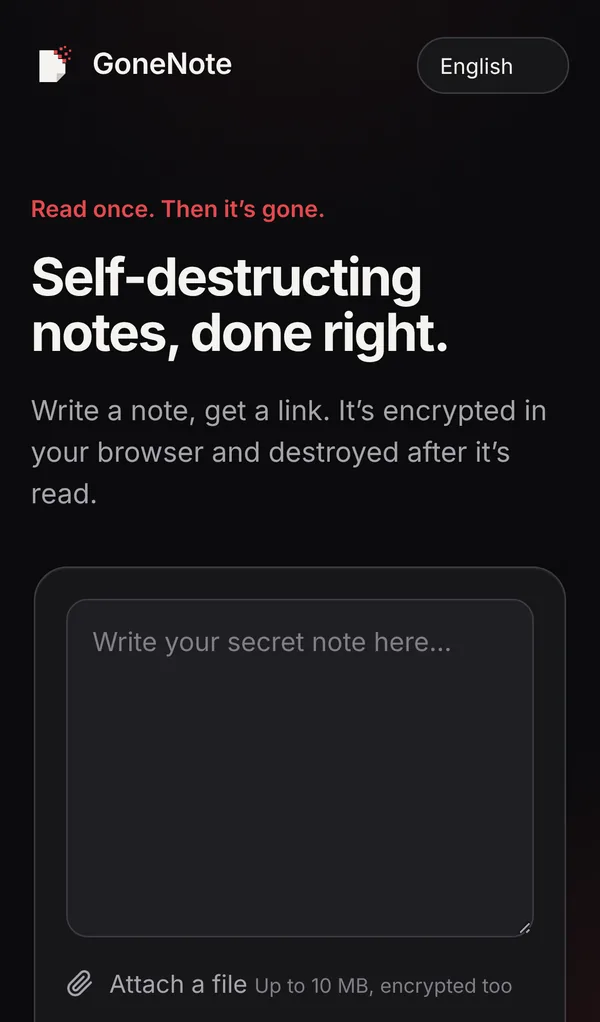
Open gonenote.com and write the network name and password. Add anything helpful, like where the router is.
2. Allow one view per guest
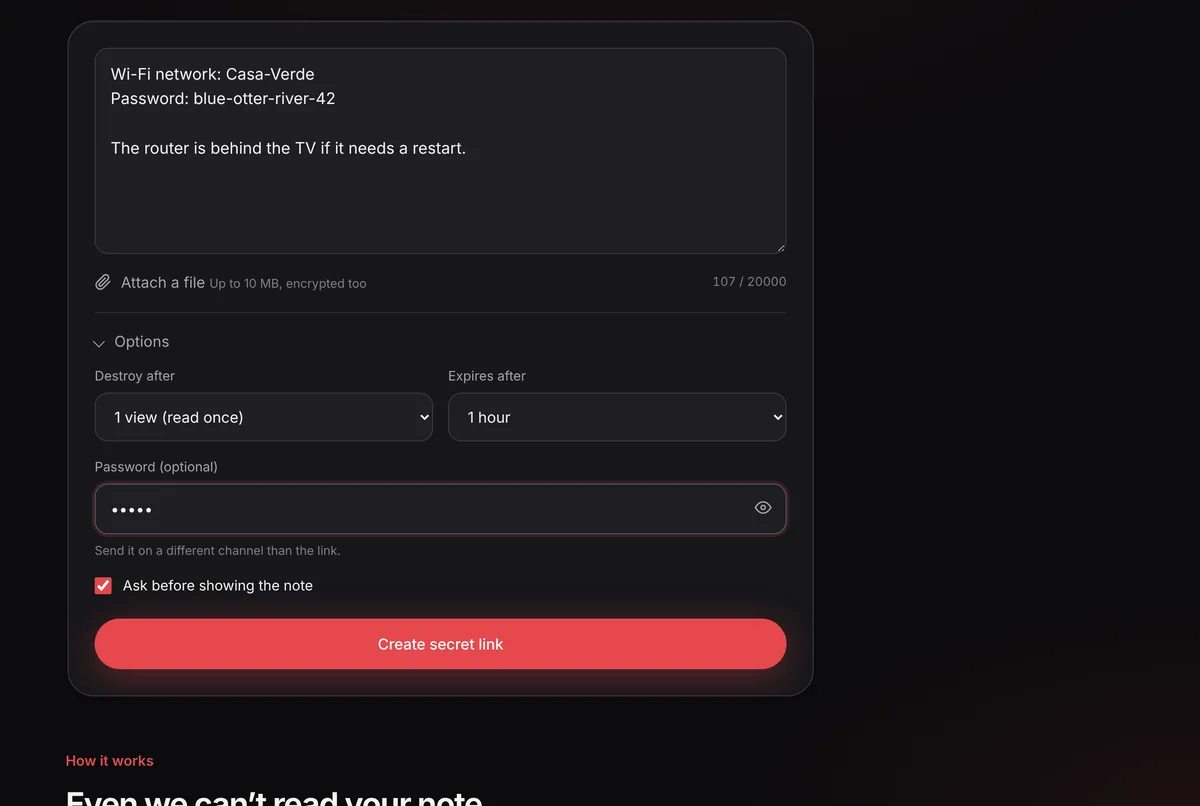
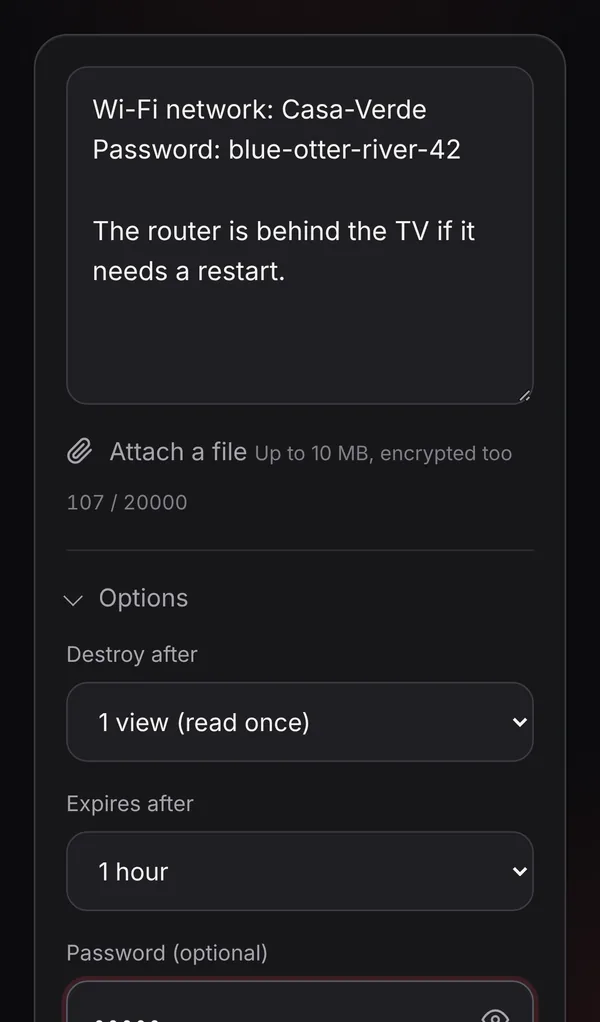
In Options, set Destroy after to the number of people who need it (up to 10) and choose an expiry that matches the visit.
3. Create and send the link
Click Create secret link and send it in the group chat or to each guest. After the last allowed view, it’s gone.
Quick tips
- Use a long, random Wi-Fi password, since you won’t be typing it often.
- Don’t print the main network’s password on a fridge card; use the guest network for that.
- Change the guest password after tenants or long-stay guests leave.
Frequently asked questions
Is it safe to put the Wi-Fi password in my Airbnb listing message?
It works, but the password then sits in every guest’s message history. Use a guest network and change its password regularly, or send a one-time link per booking.
What is a guest network?
A separate Wi-Fi network most routers can create, which gives internet access but keeps guests away from your own devices, such as computers, cameras and smart-home gadgets.
Can I share Wi-Fi without telling the password?
Yes, between phones nearby. iPhones and many Android phones can share a saved network with a tap or a QR code shown on your screen, without typing the password into a chat.